What can PhotoClear clean up in a photo?
Clutter, furniture, cars, wheelie bins, people, tourists, cables, power lines, signs, reflections and most movable distractions — with realistic background reconstruction.

Clean up photos
Tidy property photos in seconds. PhotoClear removes clutter, furniture, cars, bins, people, cables and other distractions — then rebuilds clean backgrounds ready for listings and brochures.
10 free credits on sign-up · No card required
Quick answer
Upload a photo to PhotoClear, mark the clutter or distractions you want gone, and the AI removes them and rebuilds the background in seconds. Clean up interiors and exteriors — clutter, cars, bins, people, cables and signs — then download a high-resolution, portal-ready image.
Key takeaways
Clutter, furniture, cars, wheelie bins, people, tourists, cables, power lines, signs, reflections and most movable distractions — with realistic background reconstruction.
Most images clean up in a few seconds. A full listing set can be finished in minutes rather than hours of retouching.
Estate agents, property photographers, developers, landlords and Airbnb hosts who need clean marketing images without learning Photoshop.
Cleaning up photos used to mean hours in Photoshop or overnight waits for an editor. AI photo cleanup collapses that into a simple upload-and-brush workflow: mark what should go, and PhotoClear rebuilds what should remain.
Property photos are rarely perfect out of camera. Lived-in rooms, bin day, street parking and overhead wires all pull attention away from the home. Cleaning them up digitally is now standard practice for professional listing presentation.
PhotoClear is photo decluttering software built specifically for real estate — so floors, walls, driveways and skies reconstruct convincingly, and results are ready for Rightmove, Zoopla and brochures.
Why it works
Tidy lead images outperform cluttered ones on portals.
Clean a full set in minutes, not overnight.
Interiors and exteriors cleaned in the same app.
1 credit per declutter — as low as 50p on subscription.
How it works
From cluttered photo to a reviewed, downloadable image in four steps.
Add a JPEG, PNG or WebP listing photo — interior or exterior — from your computer or phone.
Use a one-click preset for clutter, cars or bins, or brush over a specific item you want removed.
Check the result before you publish. Confirm it still represents the property accurately.
Save a high-resolution image with no watermark, then use it in your listing workflow.
See the difference
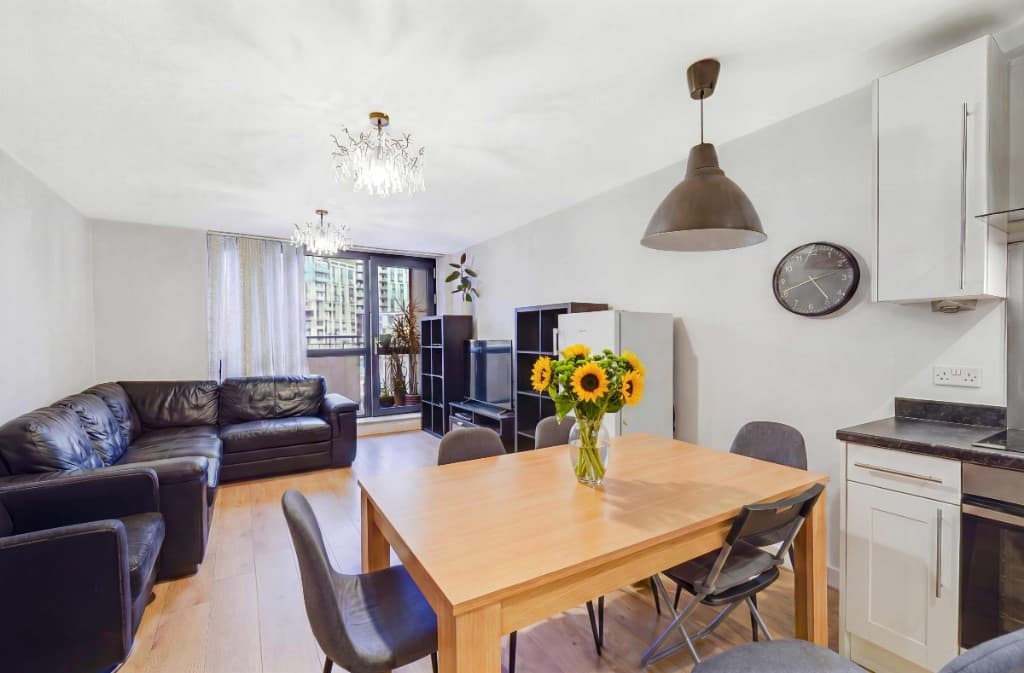
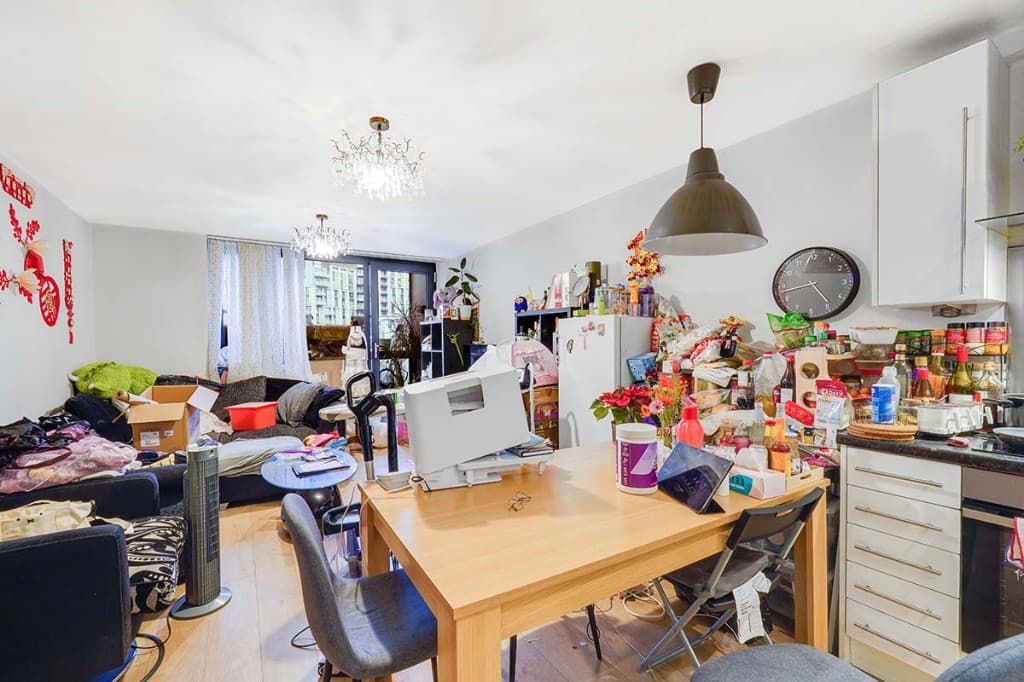
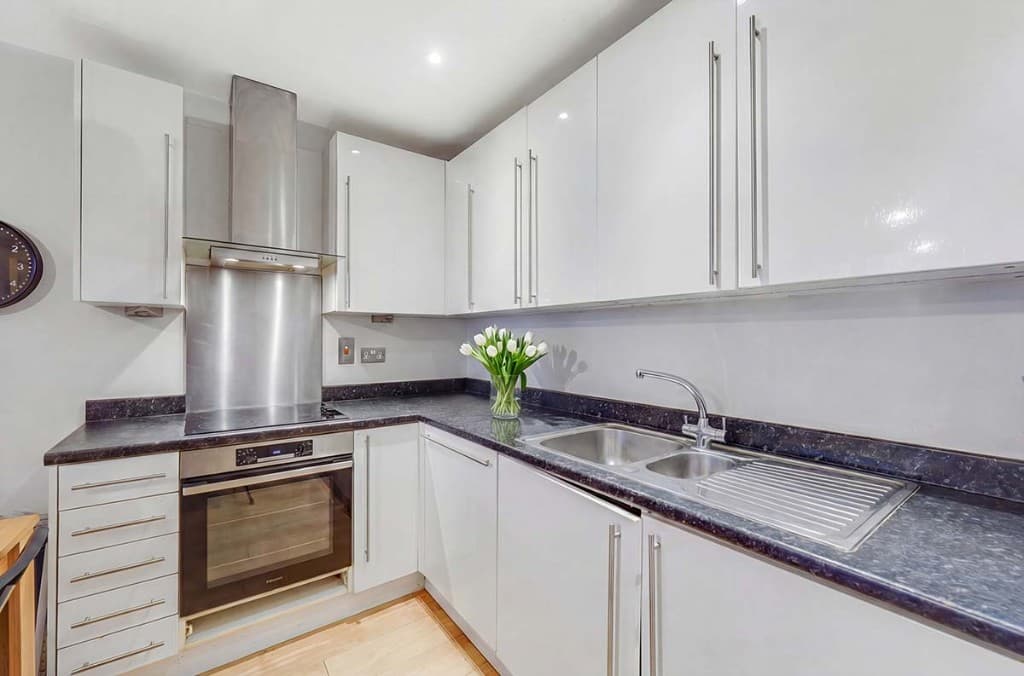
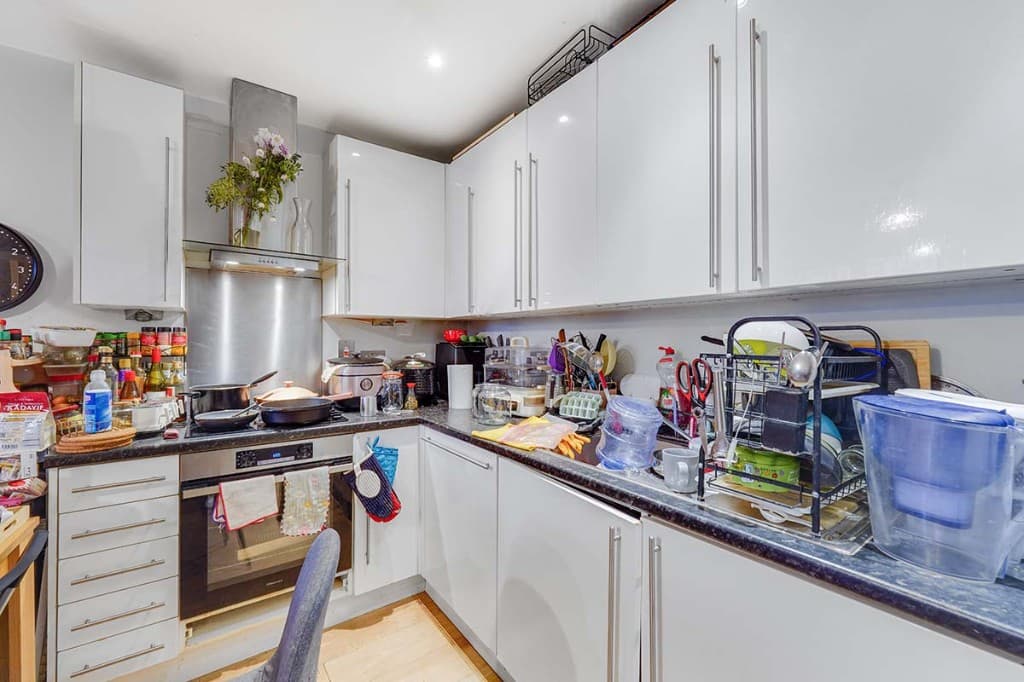
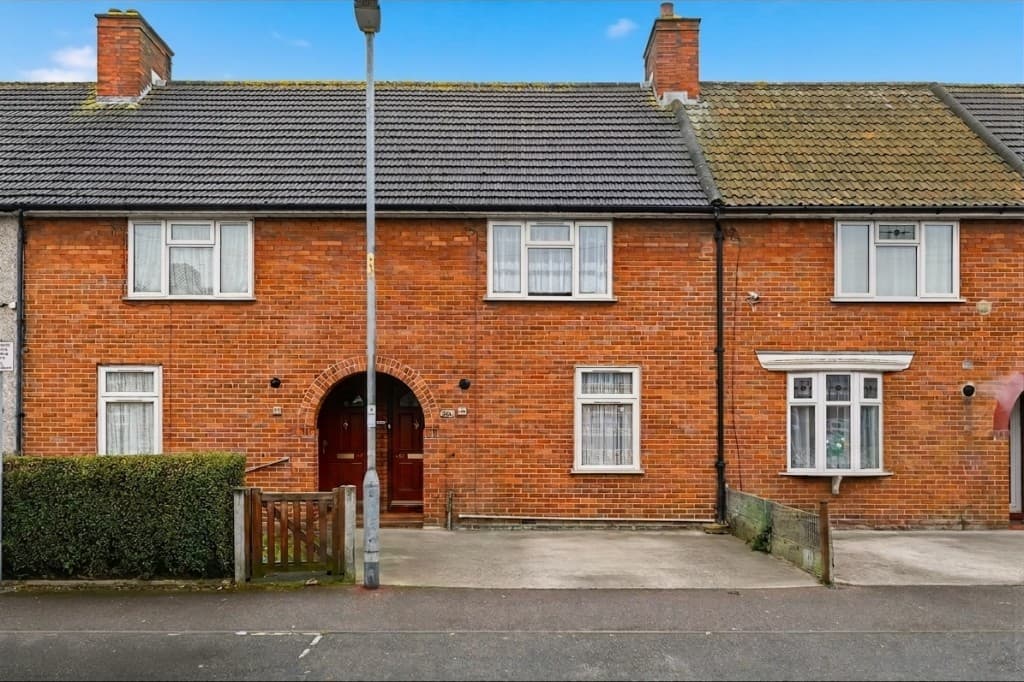
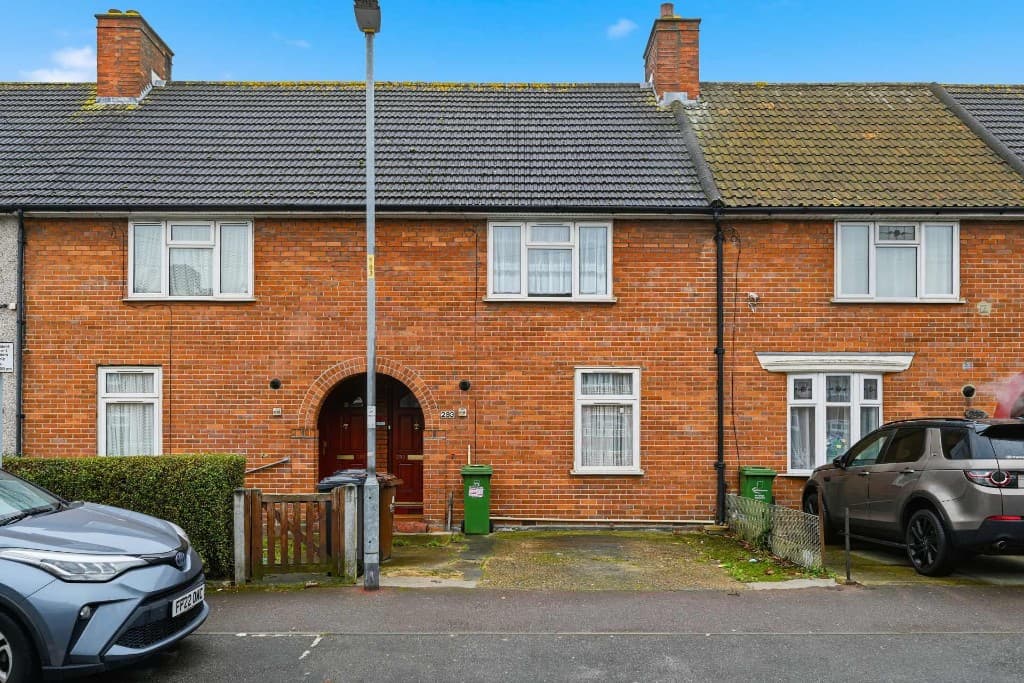
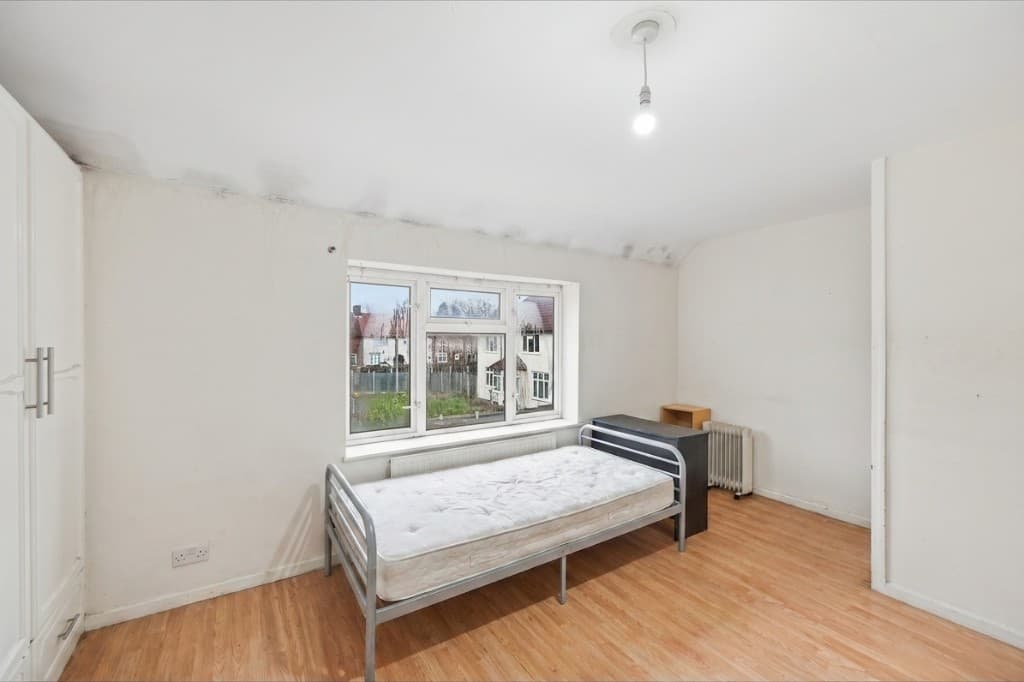
Drag each slider to see full photo cleanups across rooms and exteriors.
 Edited
 Original
 Edited
 Original
 Edited
 Original
 Edited
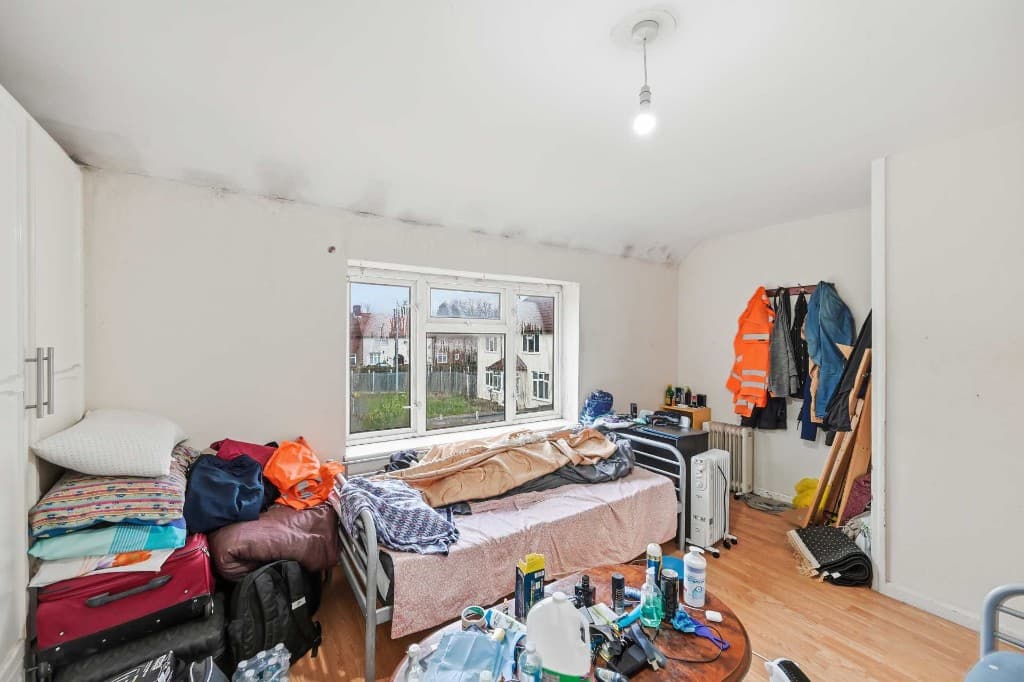 Original
A complete PhotoClear cleanup can include:
Once photos are cleaned, many teams enhance lighting, stage empty rooms or create listing video. PhotoClear connects into the ReHub Studio ecosystem so cleaned images feed the next step without friction.
Compare
Why most agents and photographers use AI for everyday cleanup.
| Factor | Manual / Photoshop | PhotoClear AI |
|---|---|---|
| Who does the work | A retoucher or in-house editor | You run it in the browser |
| Cost per photo | Typically billed per image | 1 credit per declutter |
| Skill needed | Photoshop expertise | Upload, preset or brush, then review |
| Turnaround | Often hours or a day | You start as soon as you upload |
| Review | Depends on the editor | You check the image before publishing |
| Best for | Complex, one-off hero edits | Everyday clutter, cars and bins |
FAQ
Answers to the questions people ask most about this PhotoClear tool.
Summary
PhotoClear cleans up photos with AI in seconds — removing clutter, cars, bins, people and distractions so property listings look tidy, spacious and portal-ready.
Explore further
Upload a photo and clear clutter and distractions with AI. Try PhotoClear free — no card required.
10 free credits on sign-up · No card required