How much time does it save?
Manual object and reflection removal in Photoshop can take 20–60 minutes per image. PhotoClear does it in seconds, so a full edit set drops from hours to minutes — freeing you to shoot more jobs or deliver faster.

For property photographers
Cut hours of retouching to seconds. PhotoClear removes clutter, reflections, cables and distractions so you can deliver premium results faster and take on more billable jobs.
10 free credits on sign-up · No card required

Quick answer
PhotoClear replaces slow manual retouching for property photographers. It removes clutter, photographer reflections, cables and distractions in seconds and rebuilds the background, so you deliver premium edits faster, shoot more jobs in a day and offer cleanup as a paid add-on. No Photoshop cloning, no hours per image.
Key takeaways
Manual object and reflection removal in Photoshop can take 20–60 minutes per image. PhotoClear does it in seconds, so a full edit set drops from hours to minutes — freeing you to shoot more jobs or deliver faster.
Yes. Many photographers offer decluttering and object removal as a premium add-on, charging per image while the AI does the work in seconds. It is a high-margin upsell on every shoot.
Yes — these are exactly the fiddly, time-consuming edits PhotoClear excels at. It removes photographer reflections in glass and thin cables against detailed backgrounds, rebuilding the surface automatically.
For property photographers, post-production is where the hours disappear. Cloning out clutter, painting over photographer reflections in windows and mirrors, and tidying trailing cables can take 20–60 minutes per image in Photoshop — time that eats into your margin on every shoot. PhotoClear does the same edits in seconds.
You upload the photo, brush over what you want gone, and the AI removes it and rebuilds the background. The edits that used to be the most painful — reflections, thin cables, busy clutter — are exactly the ones it handles best, with consistent, premium results every time.
That speed changes your business. You can take on more billable jobs in a day, deliver galleries faster, and offer object removal and virtual decluttering as a paid add-on — a high-margin upsell where the AI does the work.
Why photographers choose it
Cut retouching time so you can shoot and deliver more.
Clean, believable results every time — no editor variance.
Sell cleanup and decluttering as a per-image add-on.
Reflections and cables that are slow by hand, done instantly.
How it works
From cluttered photo to a reviewed, downloadable image in four steps.
Add a JPEG, PNG or WebP listing photo — interior or exterior — from your computer or phone.
Use a one-click preset for clutter, cars or bins, or brush over a specific item you want removed.
Check the result before you publish. Confirm it still represents the property accurately.
Save a high-resolution image with no watermark, then use it in your listing workflow.
See the difference
The fiddly edits — reflections, cables and clutter — handled in seconds.
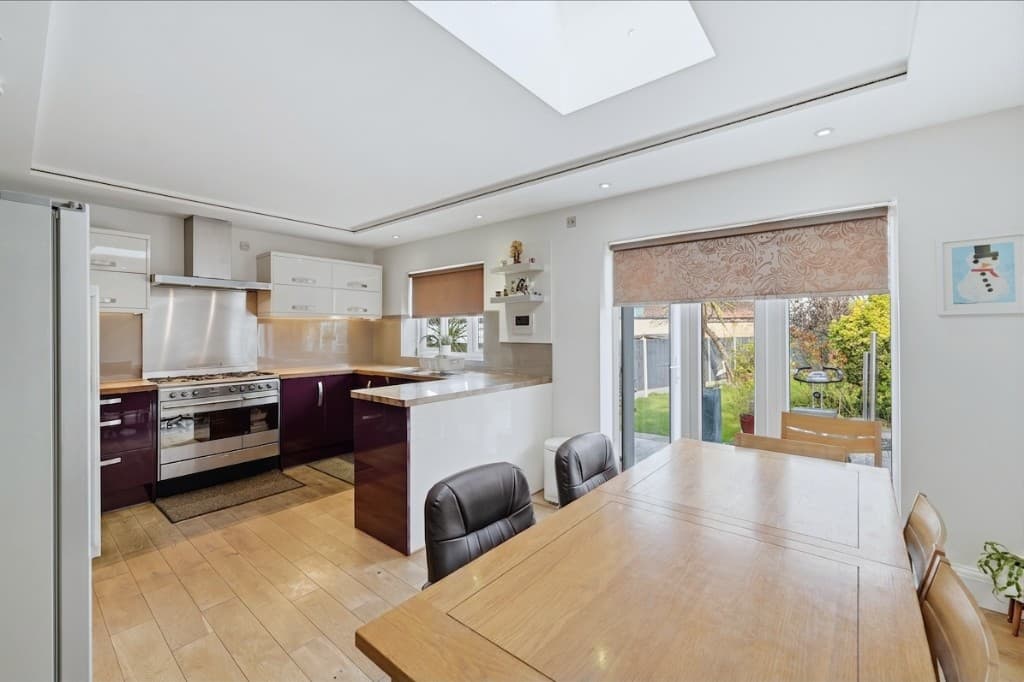 Edited
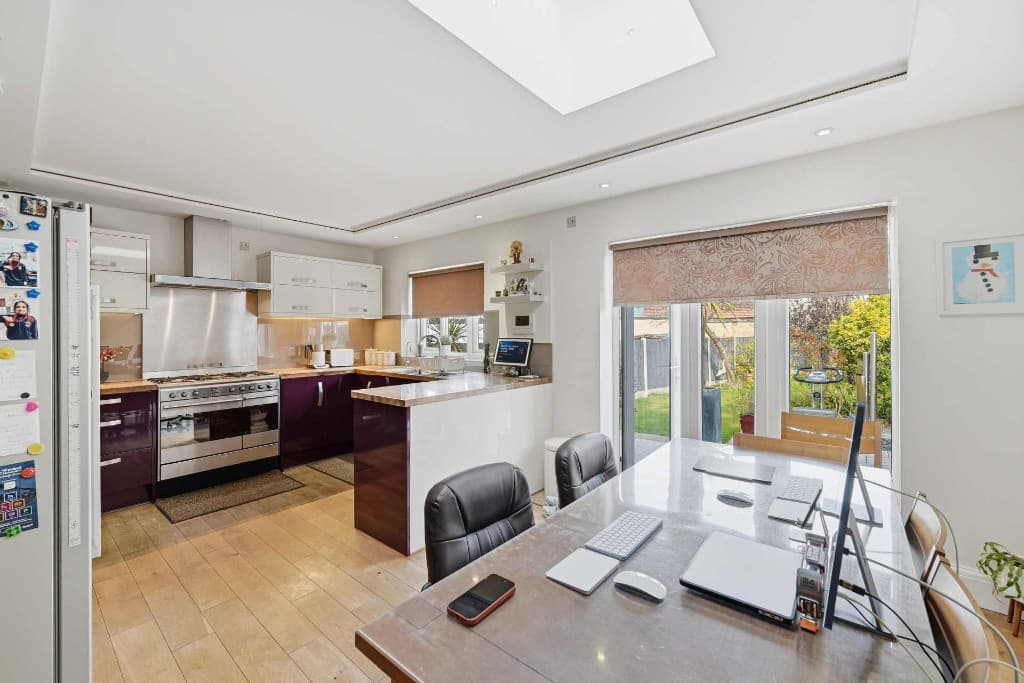 Original
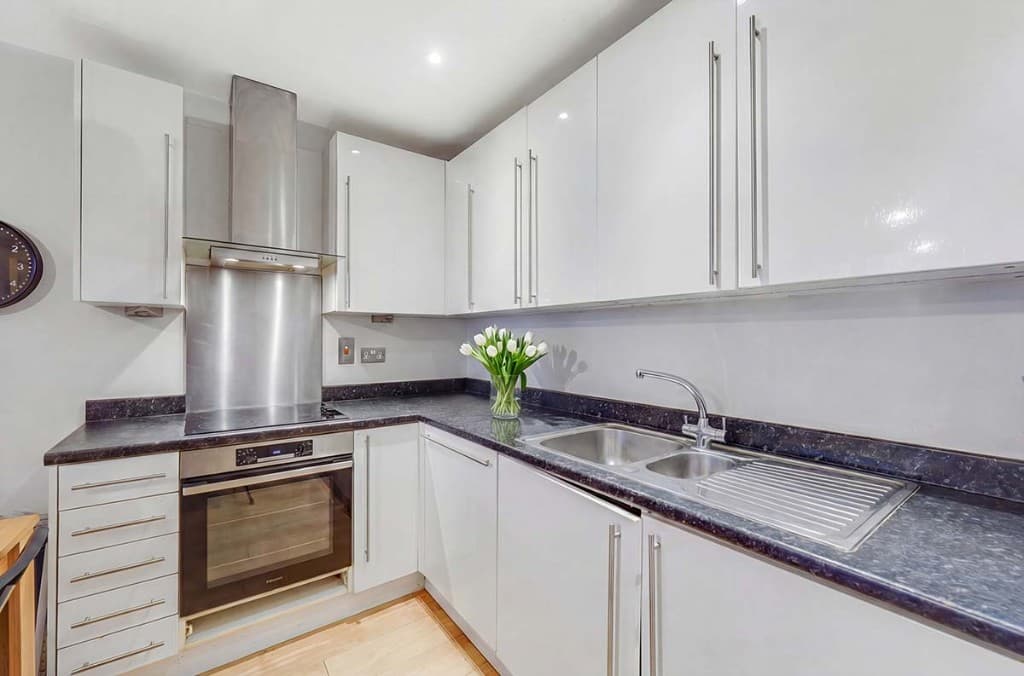 Edited
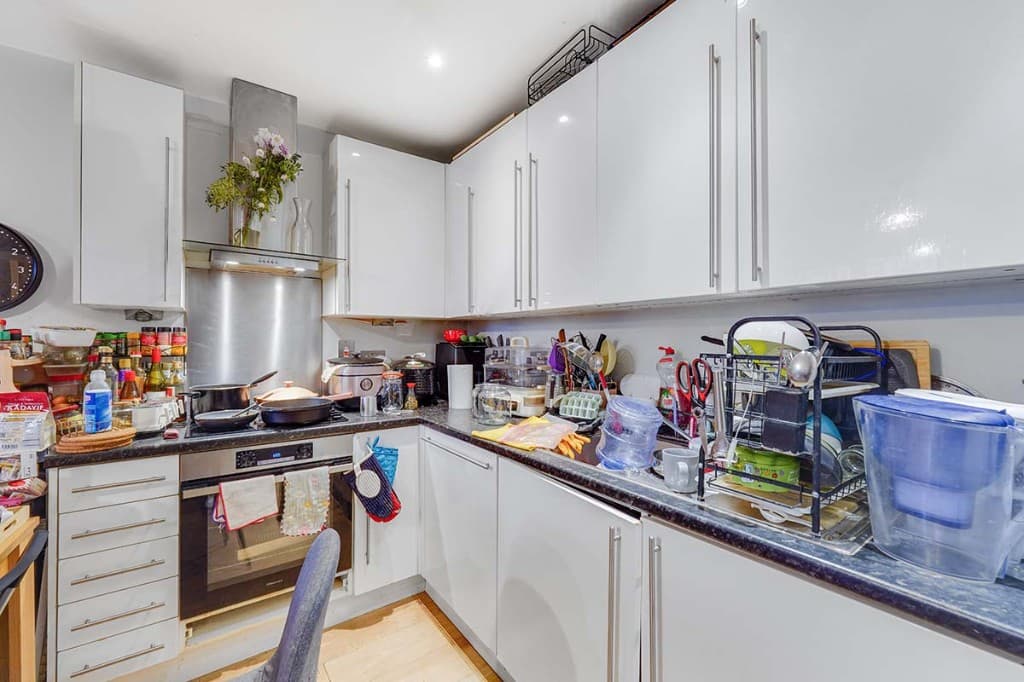 Original
 Edited
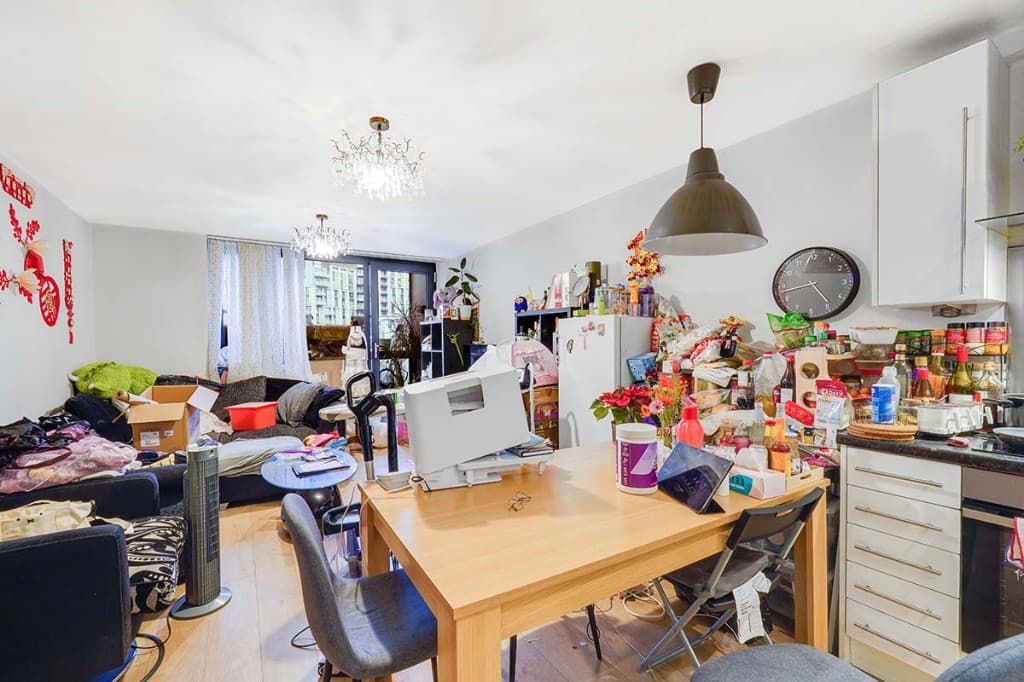 Original
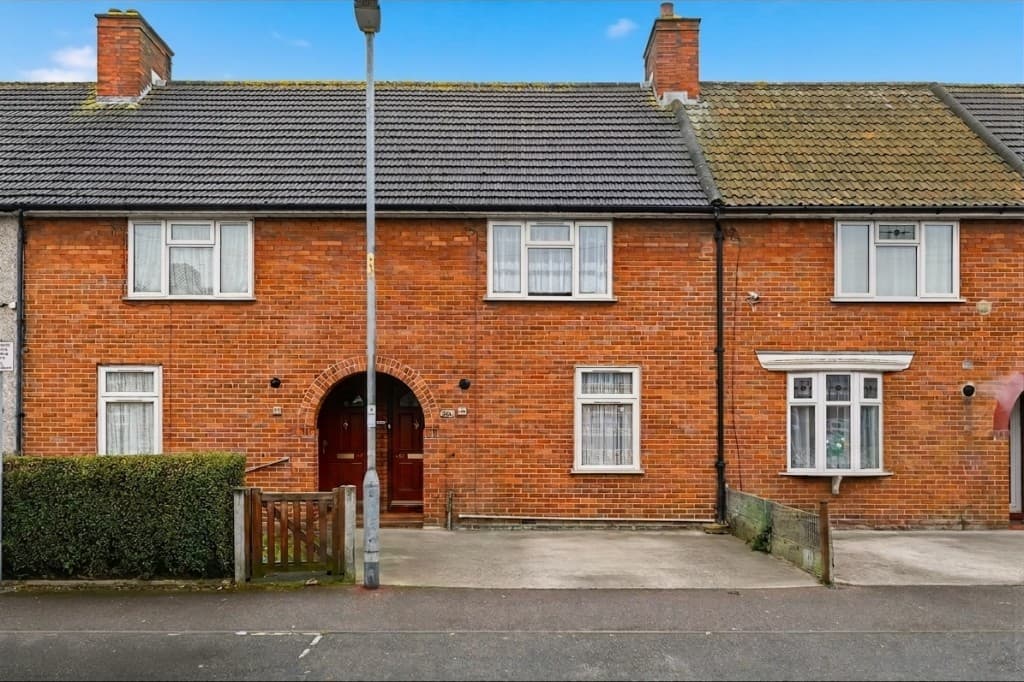 Edited
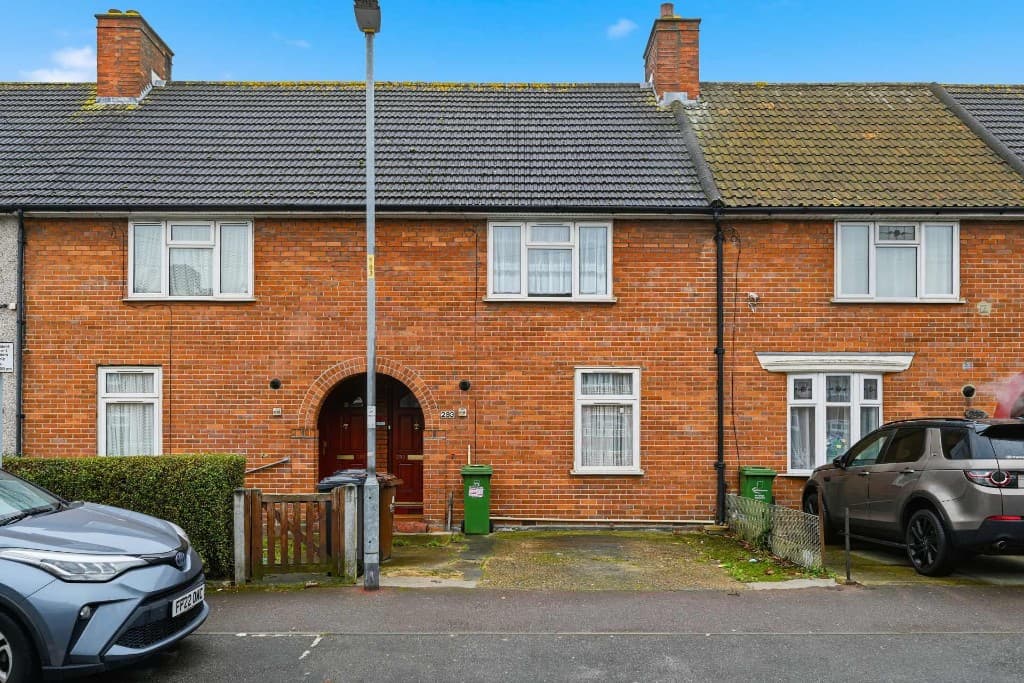 Original
PhotoClear targets the most time-consuming property retouching tasks:
PhotoClear is web-based, so it slots in alongside Lightroom and your usual delivery process. Use it for fast cleanup, then finish in your editor of choice — or batch the cleanup and deliver straight from PhotoClear. It also connects to HDR, editing and virtual staging tools in the ReHub ecosystem.
Compare
Why most agents and photographers use AI for everyday cleanup.
| Factor | Manual / Photoshop | PhotoClear AI |
|---|---|---|
| Who does the work | A retoucher or in-house editor | You run it in the browser |
| Cost per photo | Typically billed per image | From 1 credit for a light declutter |
| Skill needed | Photoshop expertise | Upload, preset or brush, then review |
| Turnaround | Often hours or a day | You start as soon as you upload |
| Review | Depends on the editor | You check the image before publishing |
| Best for | Complex, one-off hero edits | Everyday clutter, cars and bins |
FAQ
Answers to the questions people ask most about this PhotoClear tool.
Summary
PhotoClear cuts property photo retouching from hours to seconds — removing clutter, reflections, cables and distractions and rebuilding the background. Photographers shoot more jobs, deliver faster, and sell cleanup as a high-margin add-on, with consistent, premium results.
Explore further
Deliver premium cleanups faster and take on more jobs. Try PhotoClear free — no card required.
10 free credits on sign-up · No card required