
Best AI Object Remover For Real Estate
What to look for in an AI object remover for real estate photos, and why a property-specific tool beats a generic one.
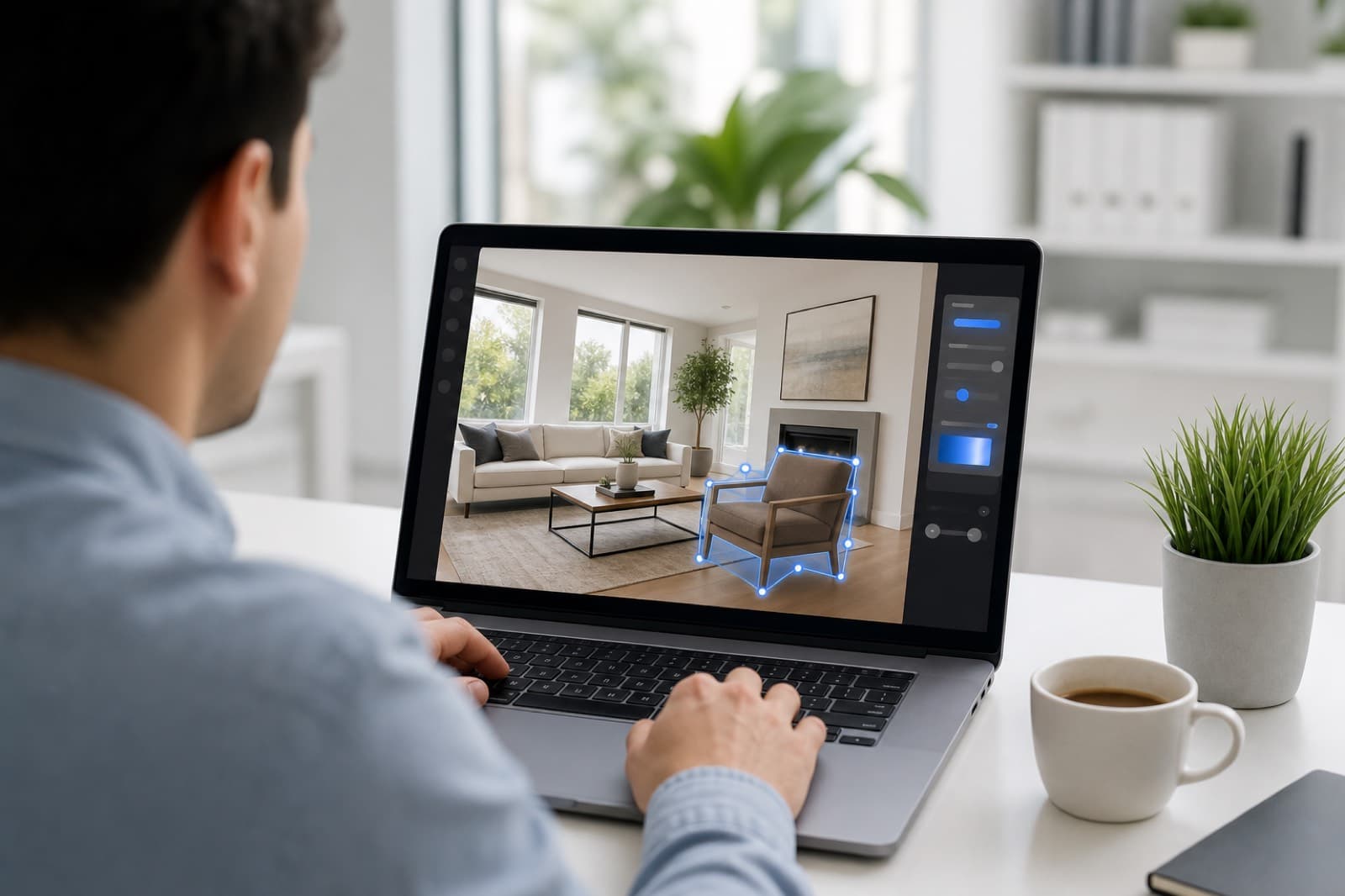
Key Takeaways
- Choose a tool trained on real property scenes, not a generic remover.
- It should handle both interiors and exteriors, including the sky.
- Look for high-resolution output with no watermarks and commercial use.
- Speed and pay-as-you-go pricing matter for cleaning whole listings.
- It should make tidying easy — brush or auto-detect, no Photoshop skill.
There are many AI object removers available, but few are built for property. When you are cleaning listing photos at volume, the differences matter. Here is what to look for.
Built for property scenes
Generic object removers are trained on all kinds of images and struggle with the specific challenges of property photos: reflective glass, busy street exteriors, patterned flooring and detailed interiors. A property-specific tool is trained on real rooms and exteriors, so it rebuilds floors, walls, skirting and sky convincingly rather than leaving smudges.
Handles interiors and exteriors
You need one tool that clears clutter from a kitchen and a car from a driveway. Look for an object remover that rebuilds interior surfaces and exterior driveways, gardens, pavements and sky — including removing overhead wires against a clean sky.
High-resolution, commercial output
Portals, brochures and print all need high-resolution images. Avoid tools that downscale results or add watermarks. The best option returns full-resolution images with commercial use included, so you can publish anywhere.
Fast and affordable at volume
Cleaning a whole listing means processing many photos. The tool should be fast — seconds per image — and priced pay-as-you-go so you only pay for what you use, with bulk discounts. A free tier to start lets you test it on your own photos.
Easy for the whole team
It should not require Photoshop skill. The best tools let you brush over what you want gone, or auto-detect distractions, so anyone on the team can use them. Web-based access with nothing to install helps too.
The bottom line
For real estate, a property-specific AI object remover beats a generic one on the things that matter: realistic rebuilds, exterior support, resolution, speed and ease of use. PhotoClear is built specifically for property marketing, with free credits to start.
Frequently Asked Questions

The PhotoClear Team
AI Photo Cleanup Specialists
The PhotoClear team builds AI photo cleanup tools that help estate agents, photographers, developers and hosts remove clutter and distractions from property photos in seconds.
Clean up your property photos with AI
Put this guide into practice. Remove clutter and distractions from your photos in seconds. Try PhotoClear free.
10 free credits on sign-up · No card required
Related Articles
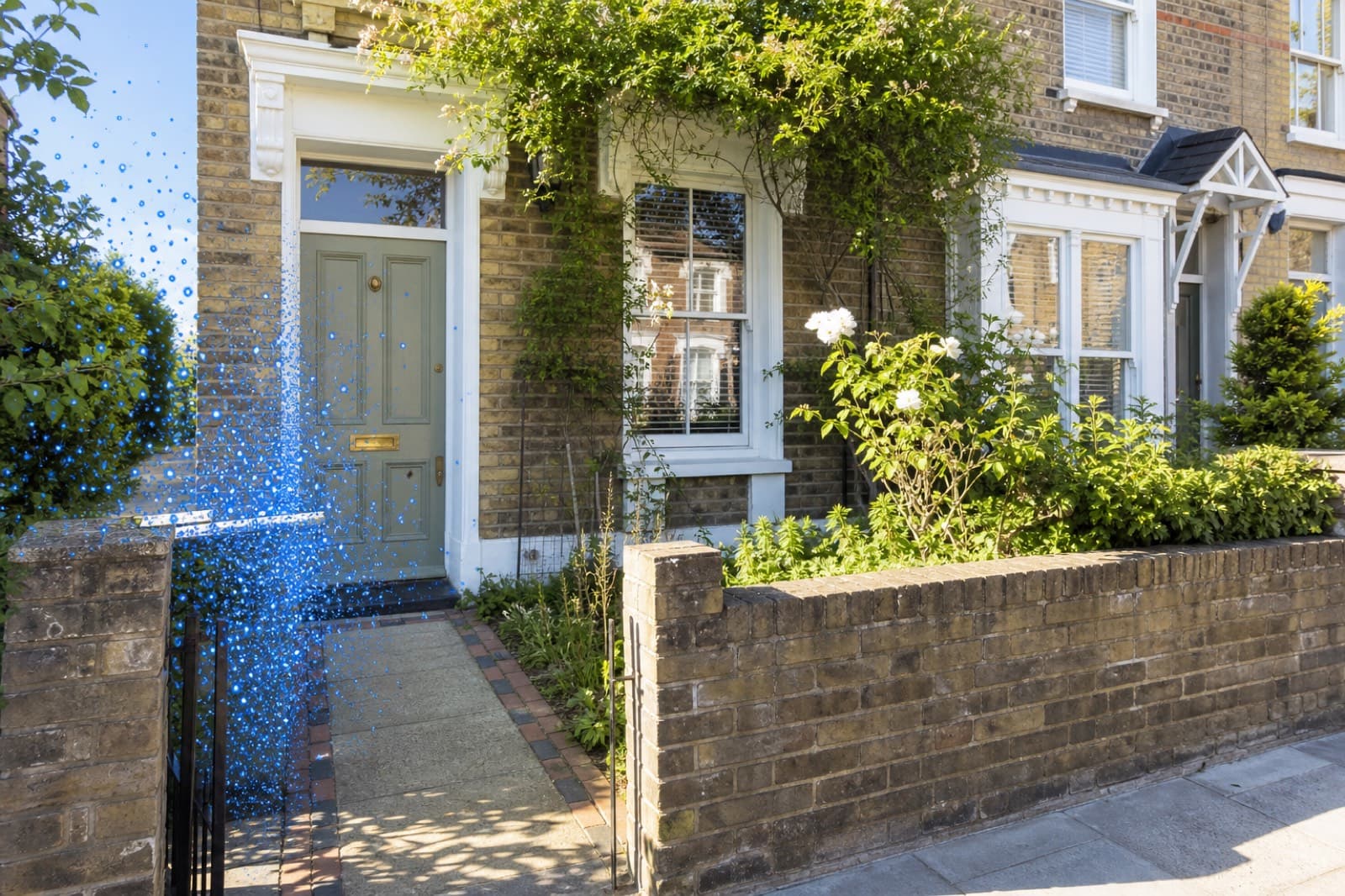
How To Remove Wheelie Bins From Property Photos
How to remove wheelie bins and rubbish from property photos with AI, for a tidy frontage and a stronger lead image.
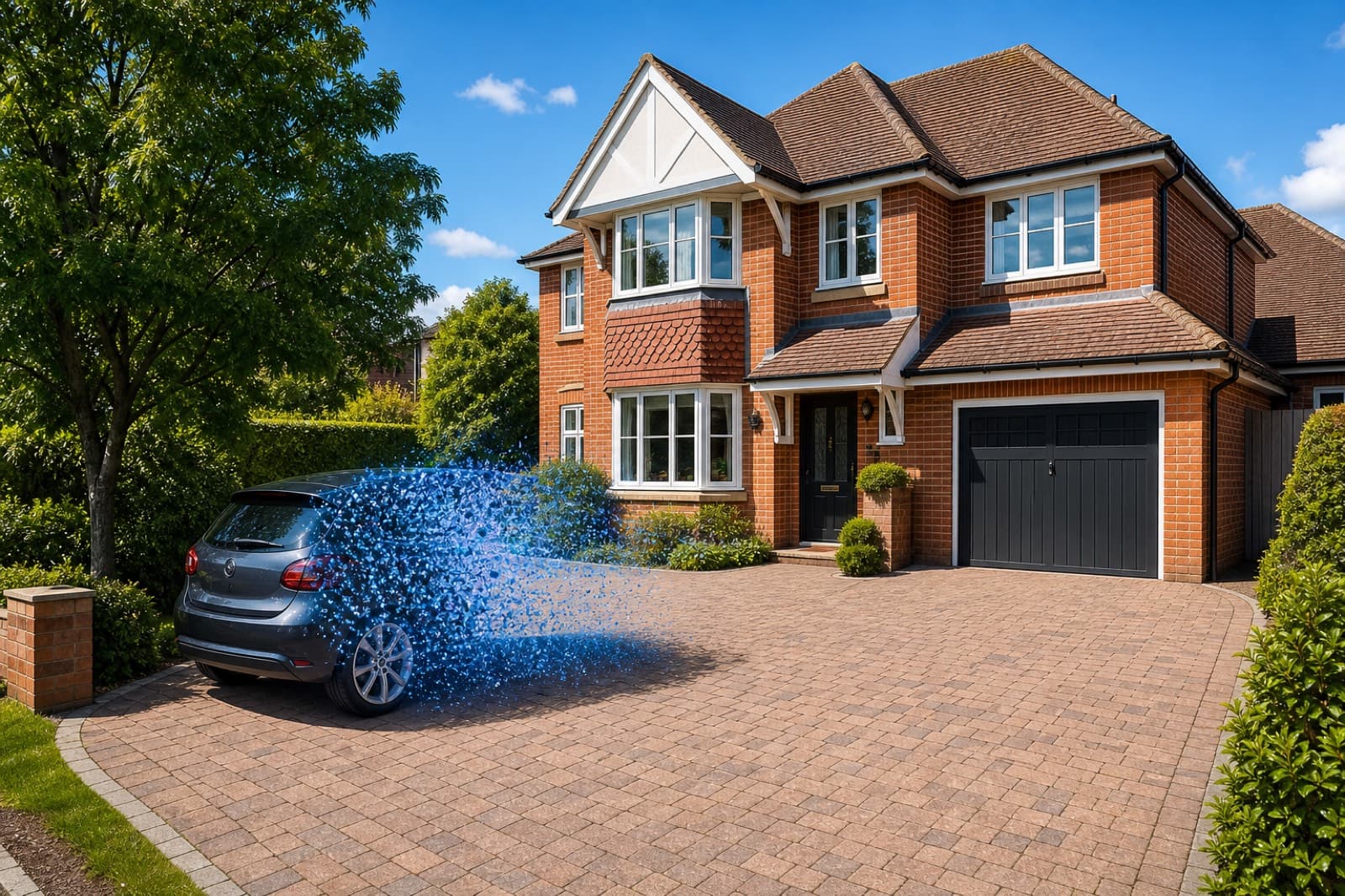
How To Remove Cars From Driveway Photos
How to remove cars from driveway and street-scene photos with AI, and rebuild a clean exterior in seconds.
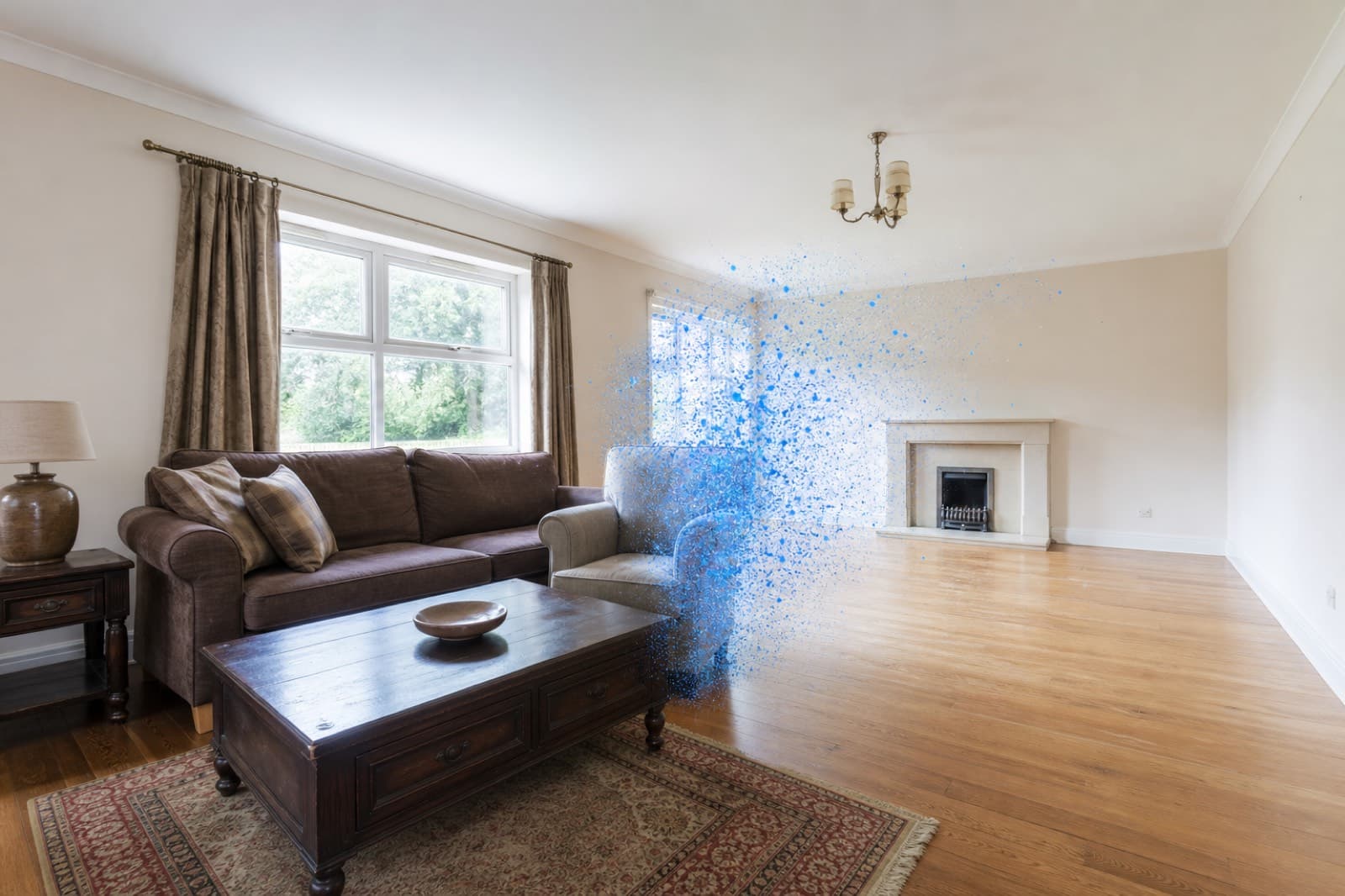
How To Remove Furniture From Property Photos
How to remove furniture from property photos with AI — empty a whole room or delete dated pieces, then stage it.