
How To Prepare Photos For Rightmove Listings
A practical checklist for preparing photos for Rightmove and Zoopla listings, including cleanup, order and what portals allow.
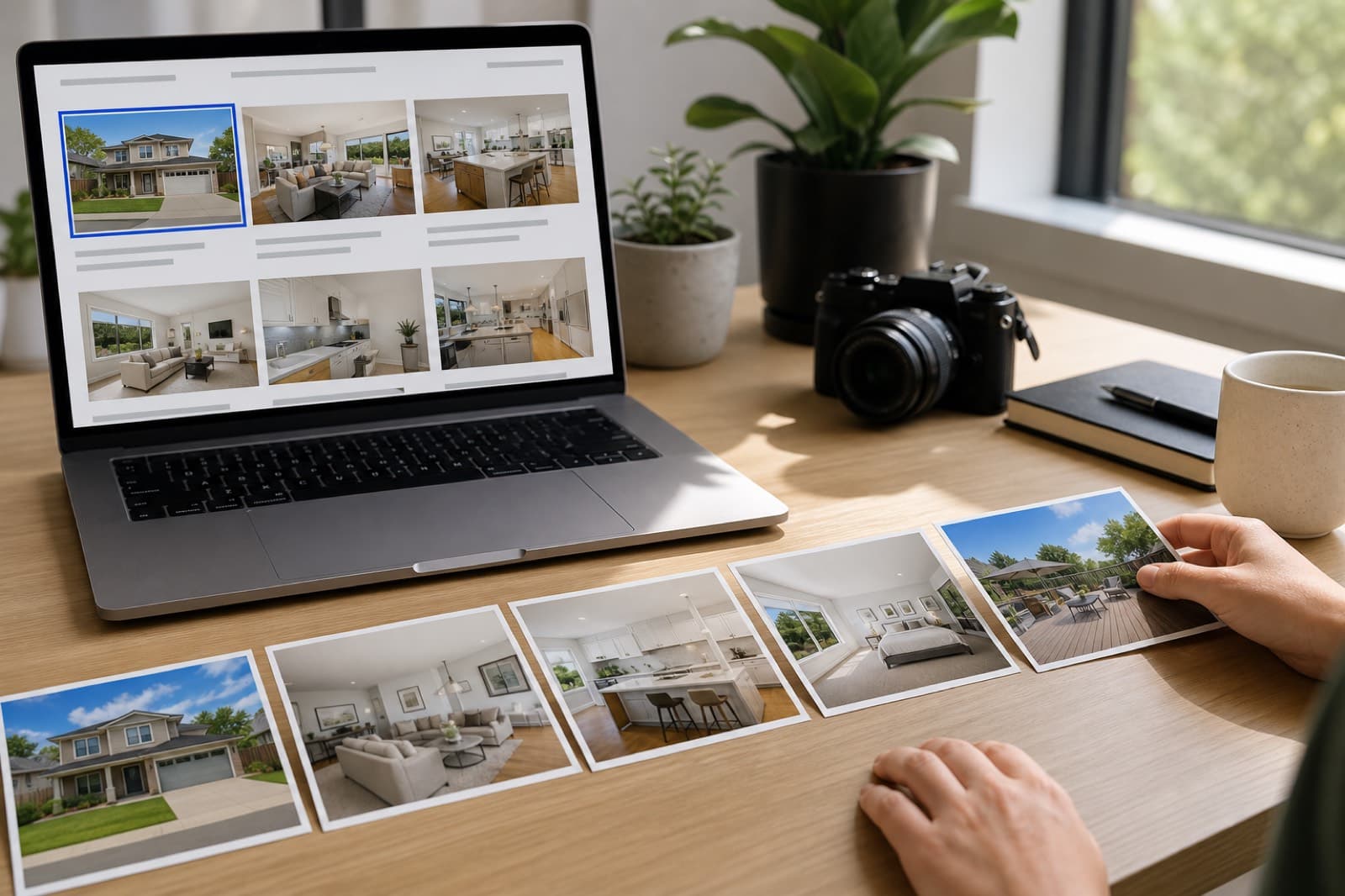
Key Takeaways
- Clean every photo — remove clutter, cars, bins, people and reflections.
- Choose your strongest, cleanest shot as the lead image.
- Order photos to walk the buyer through the property logically.
- Removing movable distractions is allowed on portals; hiding defects is not.
- High-resolution, well-lit, tidy images win more clicks and viewings.
Rightmove and Zoopla dominate property search, and the photos you upload decide whether buyers click, enquire and book a viewing. Here is a practical checklist for preparing them.
1. Shoot well
Good preparation starts with a good photo: shoot straight-on, use even natural light, turn on the lights, open the blinds, and capture as much floor and wall as you can at high resolution.
2. Clean every photo
Even a good shot is let down by distractions. Use AI cleanup to remove:
- Clutter and personal items in occupied homes
- Cars on the driveway and street parking
- Wheelie bins and rubbish on the kerb
- People, pets and photographer reflections
- Trailing cables and overhead wires
This takes seconds per photo and lifts the whole gallery to a professional standard.
3. Choose the right lead image
The lead image is the single biggest factor in click-through. Pick your strongest, cleanest shot — usually the best exterior or the main reception room — and make sure it is bright, straight-on and free of distractions.
4. Order the photos to tell a story
Walk the buyer through the property logically: lead exterior, hallway, main reception, kitchen, bedrooms, bathrooms, garden. A coherent order helps buyers picture living there and keeps them scrolling.
5. Keep it honest
Portals permit edited photos when the edits are honest. Removing movable distractions — clutter, bins, cars, people, reflections — is accepted practice. What you must not do is edit out permanent structural features, damage or defects that would mislead a buyer. Clean the scene, but keep the property true.
The payoff
A tidy, well-ordered, high-resolution gallery wins more clicks, more enquiries and more viewings — and it makes your branch look professional on every listing, not just the premium ones.
Frequently Asked Questions

PhotoClear Editorial
Property Marketing Editorial
Researched, practical guides on AI photo cleanup, virtual decluttering and property marketing for the UK and beyond.
Clean up your property photos with AI
Put this guide into practice. Remove clutter and distractions from your photos in seconds. Try PhotoClear free.
10 free credits on sign-up · No card required
Related Articles
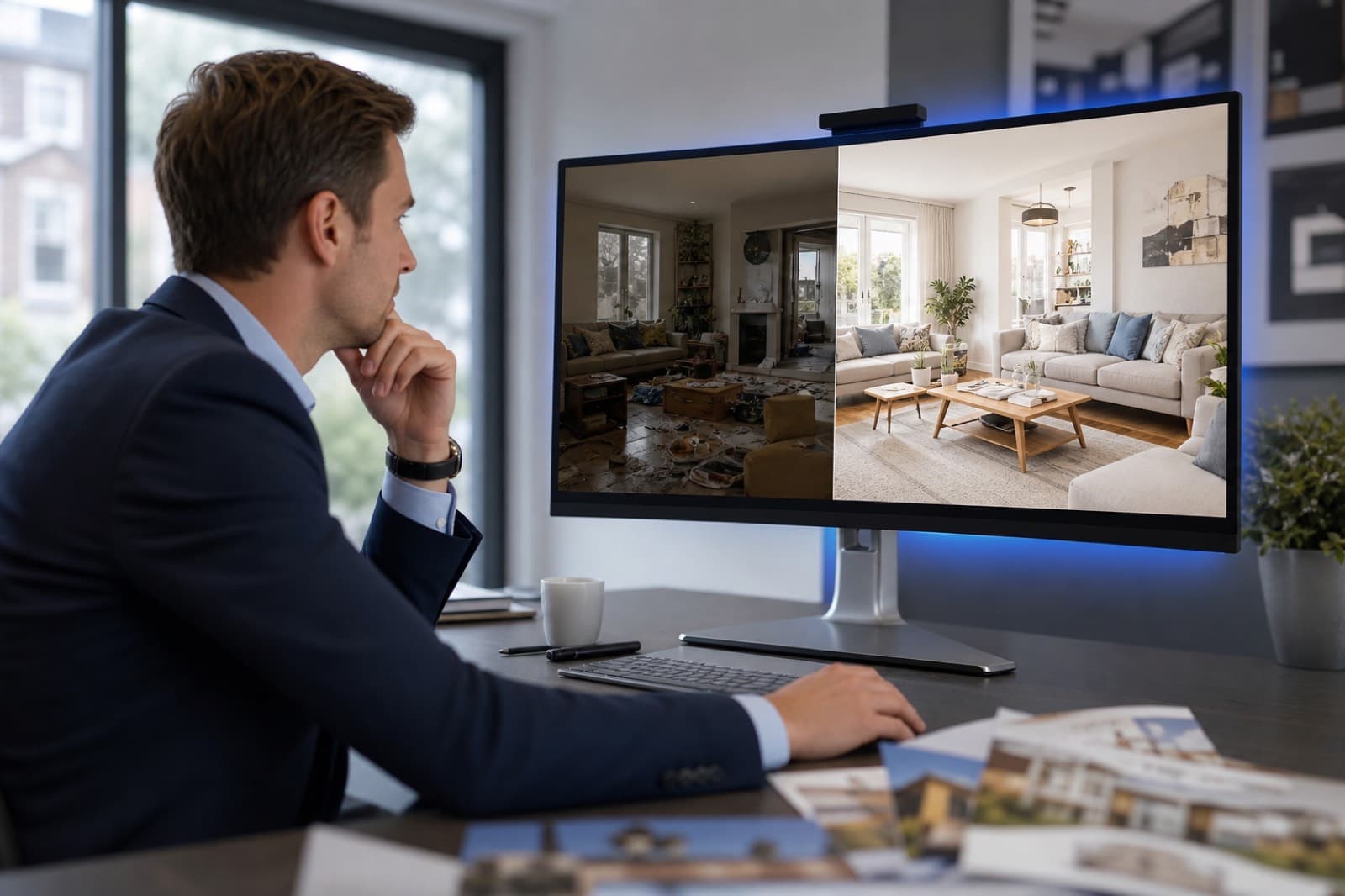
How Estate Agents Can Improve Listing Photos
Practical ways estate agents can improve listing photos — from cleanup and decluttering to composition — and win more clicks and viewings.
The Future of AI Property Photography
Where AI is taking property photography next — from faster clean-up and virtual staging to connected property marketing workflows.
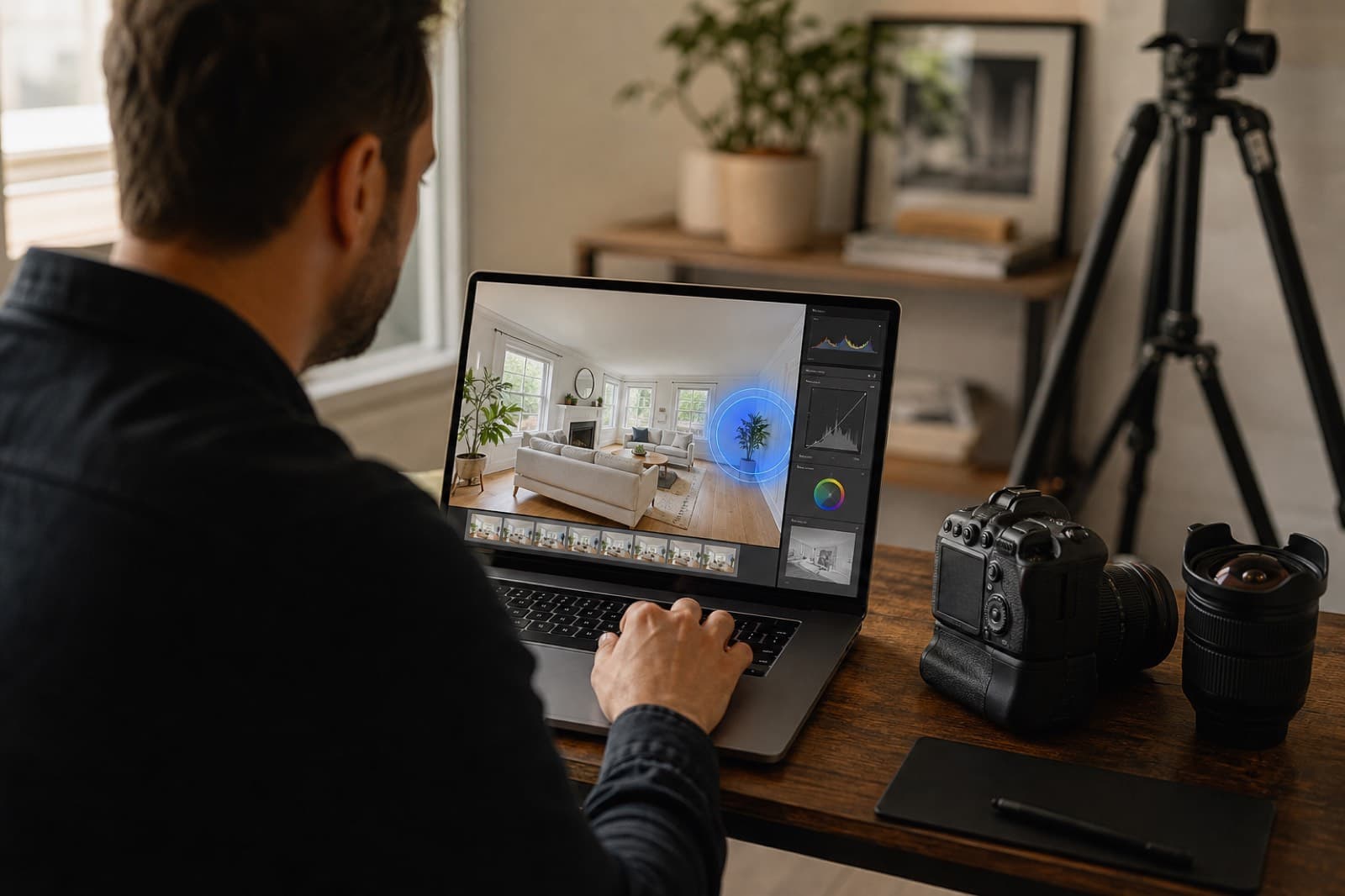
AI Photo Editing For Property Photographers
How property photographers use AI photo editing to cut retouching time, add a revenue stream and deliver premium results.