
How To Remove Clutter From Property Photos
A step-by-step guide to removing clutter from property photos with AI, so occupied homes look tidy and spacious online.
Key Takeaways
- Decluttering photos makes occupied homes look tidy without a physical tidy-up.
- Tidy, spacious photos attract more clicks and viewings online.
- AI does in seconds what manual retouching takes 20–60 minutes to do.
- Focus on worktops, floors and shelves where clutter accumulates.
- It is the ideal first step before virtually staging an empty room.
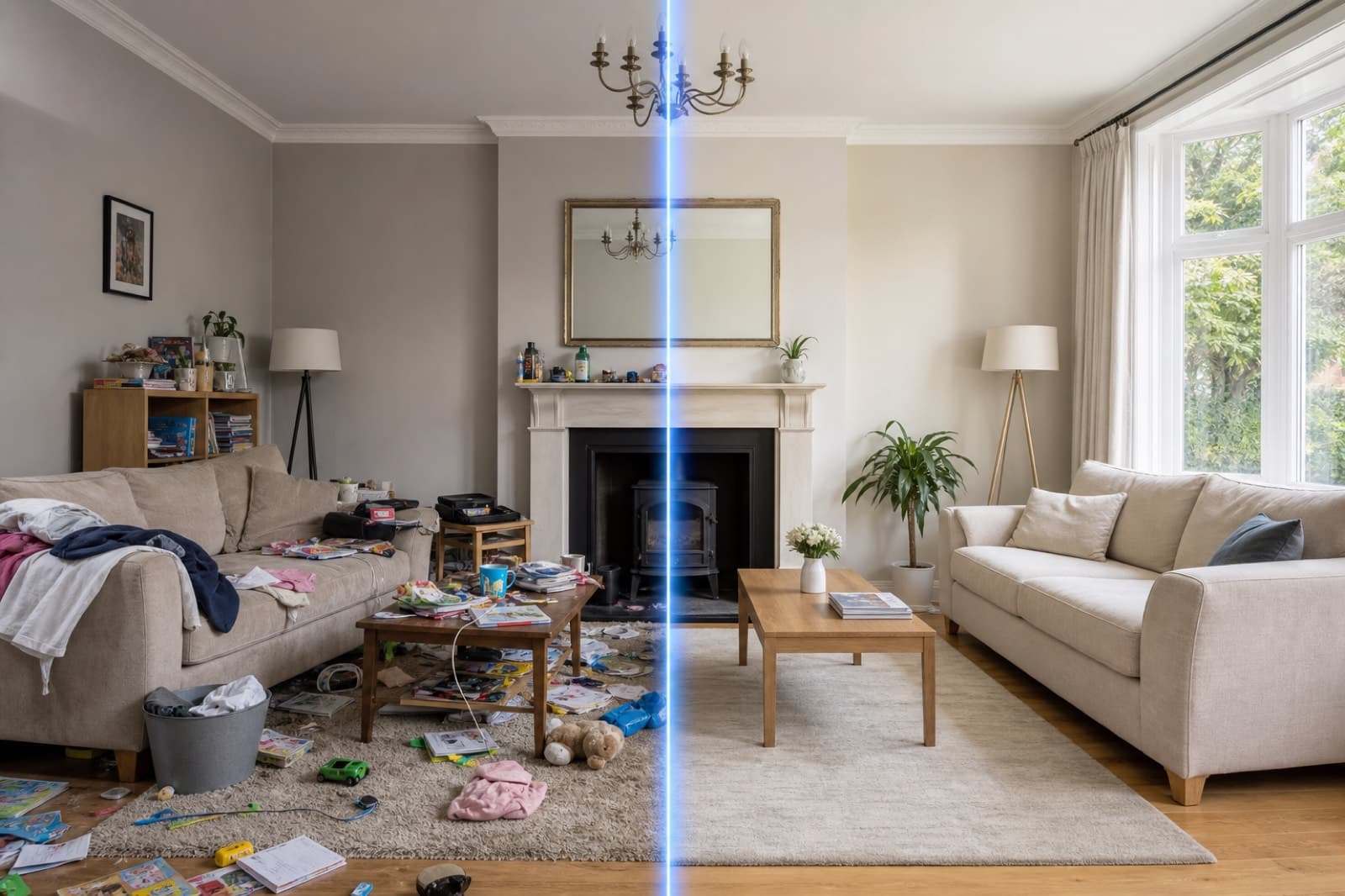
Clutter is the single biggest reason occupied homes photograph poorly. Worktops buried under appliances, floors strewn with toys and shelves packed with ornaments all make a room feel smaller and harder to picture living in. Here is how to remove clutter from property photos in seconds with AI.
Step by step
- Upload your photo. Drag the listing photo into an AI clutter remover like PhotoClear — straight from your camera or phone.
- Mark the clutter. Brush over the mess you want gone, or let the tool auto-detect distractions.
- Let the AI clean it. The clutter is removed and the clean surface — worktop, floor or shelf — is rebuilt behind it in seconds.
- Download and publish. Save the tidy, high-resolution image and use it on the portal, website or brochure.
Where to focus
Clutter accumulates in predictable places. Prioritise these for the biggest improvement:
- Kitchen worktops — appliances, bottles, washing-up
- Living room floors and surfaces — toys, magazines, cables
- Bathroom surfaces — toiletries, products, towels
- Bedroom tops — clothes, clutter on dressers
- Home office desks — paperwork and equipment
Why it works
Tidy, spacious photos consistently outperform cluttered ones on property portals. The lead image decides whether a buyer clicks or scrolls past, and clutter loses the click. By clearing visual noise, you let the room's true size and layout do the selling.
Declutter, then stage
Decluttering is often the first step in a complete makeover. Once a room is clear, you can add fresh furniture with AI virtual staging — turning a cluttered, lived-in room into a clean, beautifully presented space, all from one photo.
Frequently Asked Questions

The PhotoClear Team
AI Photo Cleanup Specialists
The PhotoClear team builds AI photo cleanup tools that help estate agents, photographers, developers and hosts remove clutter and distractions from property photos in seconds.
Clean up your property photos with AI
Put this guide into practice. Remove clutter and distractions from your photos in seconds. Try PhotoClear free.
10 free credits on sign-up · No card required
Related Articles
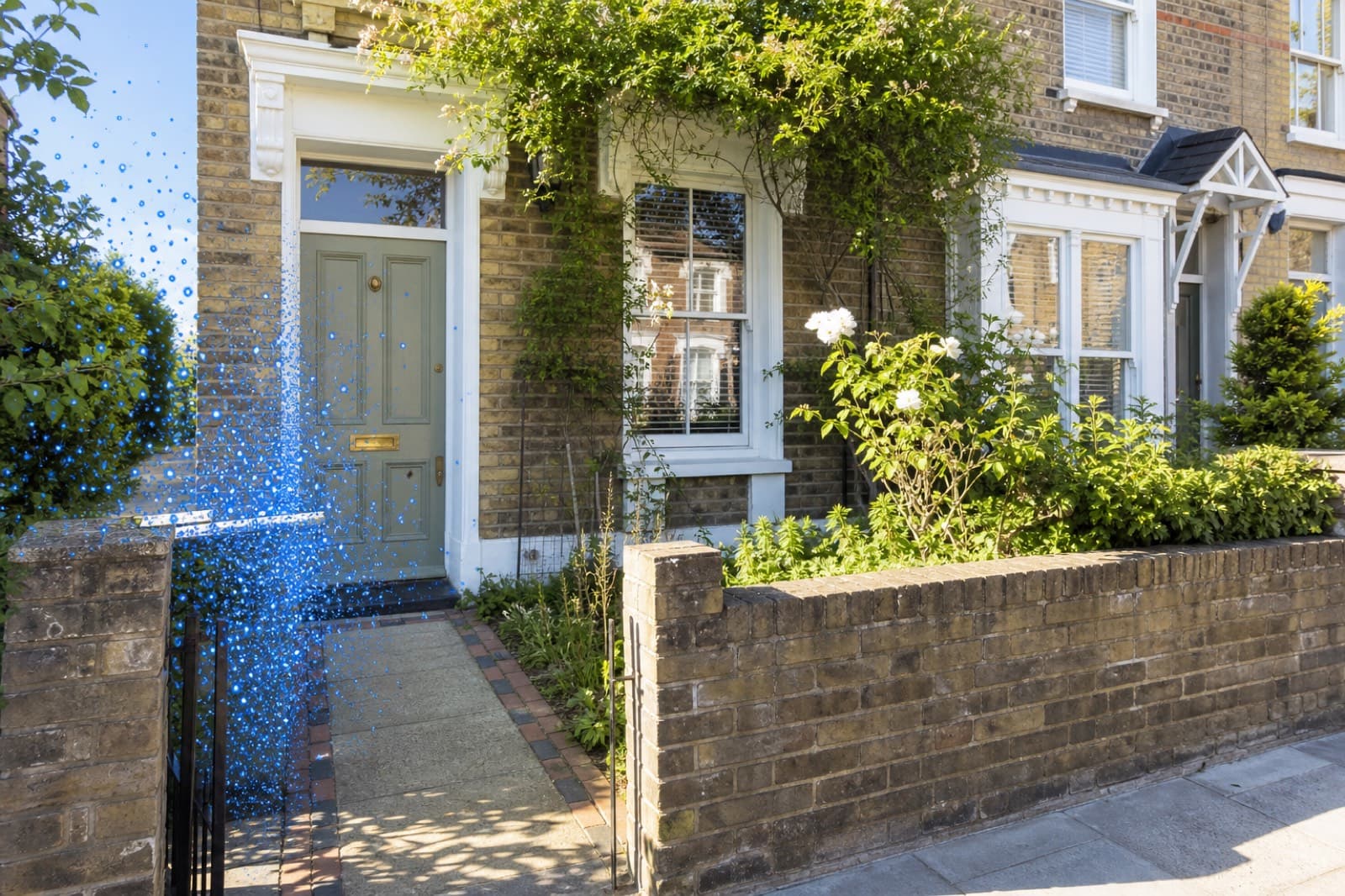
How To Remove Wheelie Bins From Property Photos
How to remove wheelie bins and rubbish from property photos with AI, for a tidy frontage and a stronger lead image.
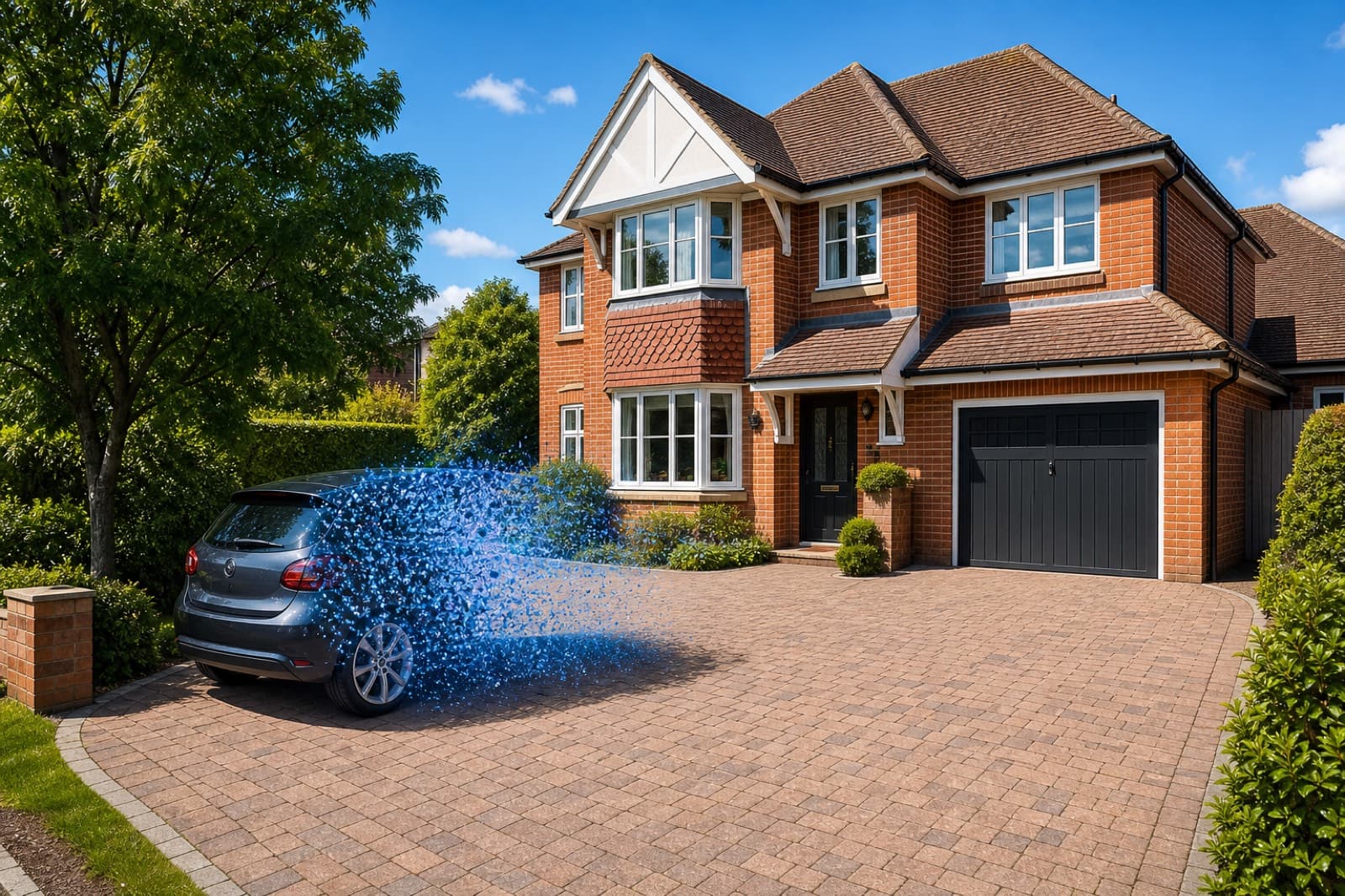
How To Remove Cars From Driveway Photos
How to remove cars from driveway and street-scene photos with AI, and rebuild a clean exterior in seconds.
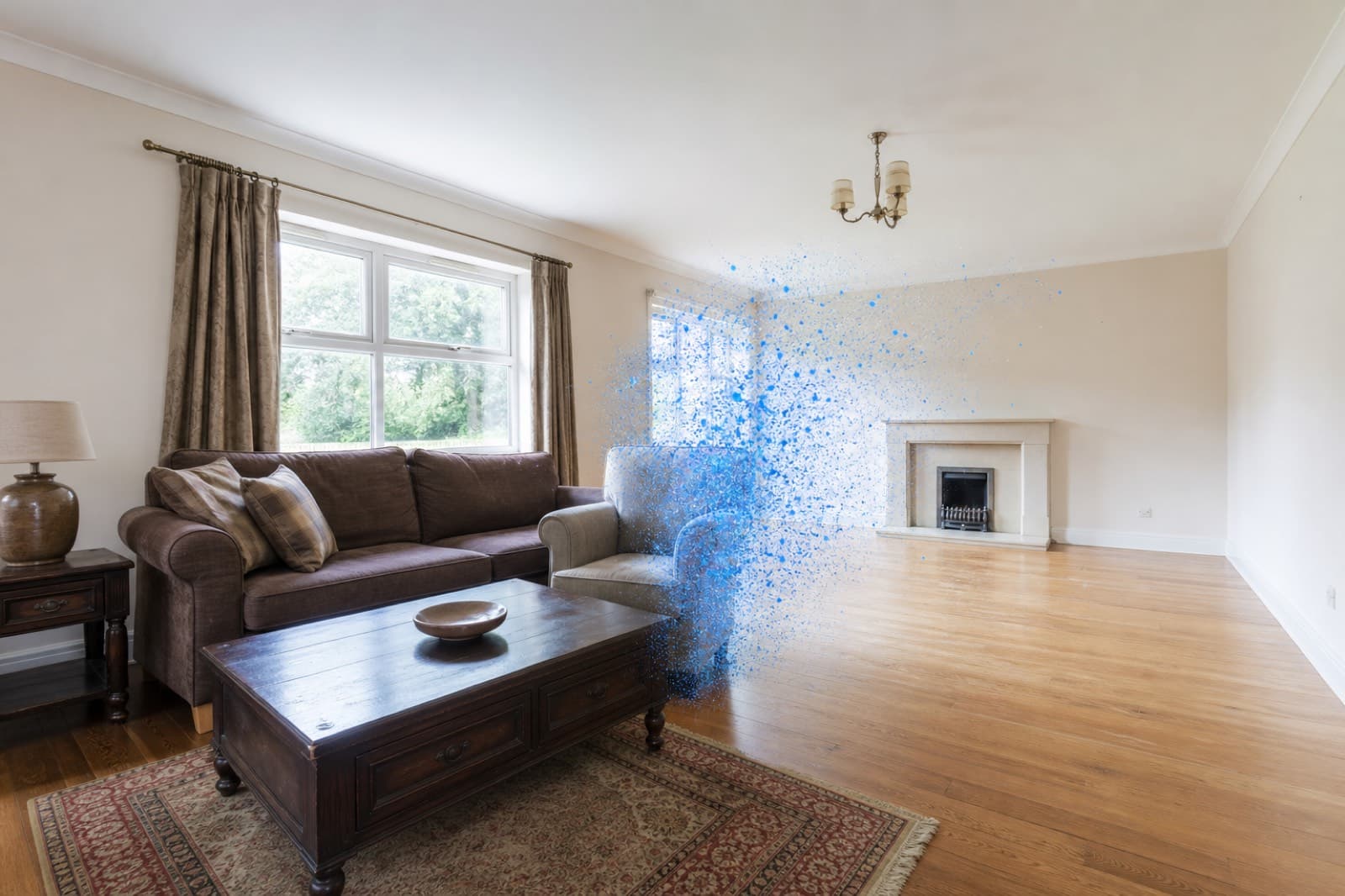
How To Remove Furniture From Property Photos
How to remove furniture from property photos with AI — empty a whole room or delete dated pieces, then stage it.