Can it remove photographer reflections?
Yes. PhotoClear removes reflections of the photographer and camera in windows, mirrors and shiny surfaces, then rebuilds the glass cleanly.

Remove people from photos
Clear occupants, passers-by, pets and photographer reflections from property photos in seconds. PhotoClear rebuilds the room or street behind so the focus stays on the property.
10 free credits on sign-up · No card required

Quick answer
Upload a photo to PhotoClear, brush over the person, pet or reflection, and the AI removes them and rebuilds the background in seconds. It clears occupants, street pedestrians and photographer reflections in glass — leaving a clean, high-resolution image ready for portals.
Key takeaways
Yes. PhotoClear removes reflections of the photographer and camera in windows, mirrors and shiny surfaces, then rebuilds the glass cleanly.
Yes. Mark passers-by on pavements and roads and the AI reconstructs the street behind them.
Yes. Cats, dogs and other pets on furniture, floors or in the garden can be removed in the same pass.
People in listing photos distract from the property, date the image and raise privacy issues. Removing people from photos means digitally deleting them and reconstructing the room, street or glass behind.
PhotoClear makes that a brush-and-go step: upload, mark the person or reflection, and download a clean result in seconds — without waiting for a retoucher.
Use it for vendors caught mid-shot, street pedestrians, children who should not appear, and the photographer’s own reflection in windows.
Why it works
Keep occupants and children out of marketing without consent.
Delete the photographer caught in glass and mirrors.
Photos without people stay usable for longer.
Rooms, streets and glass reconstructed convincingly.
How it works
From cluttered photo to a reviewed, downloadable image in four steps.
Add a JPEG, PNG or WebP listing photo — interior or exterior — from your computer or phone.
Use a one-click preset for clutter, cars or bins, or brush over a specific item you want removed.
Check the result before you publish. Confirm it still represents the property accurately.
Save a high-resolution image with no watermark, then use it in your listing workflow.
See the difference
Drag the slider to see people and distractions cleared.
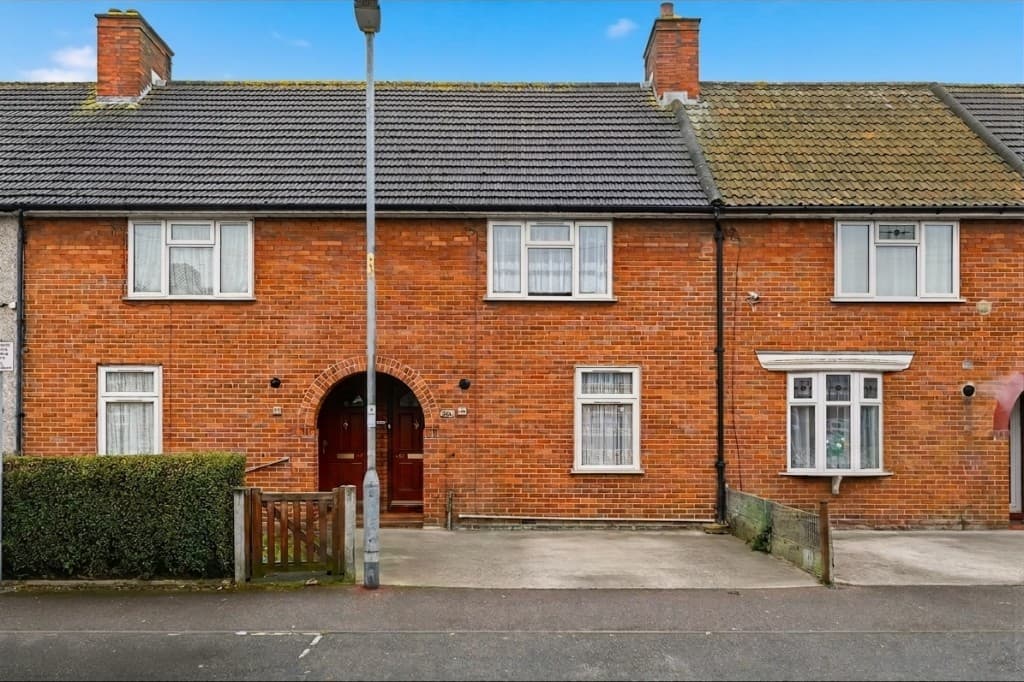 Edited
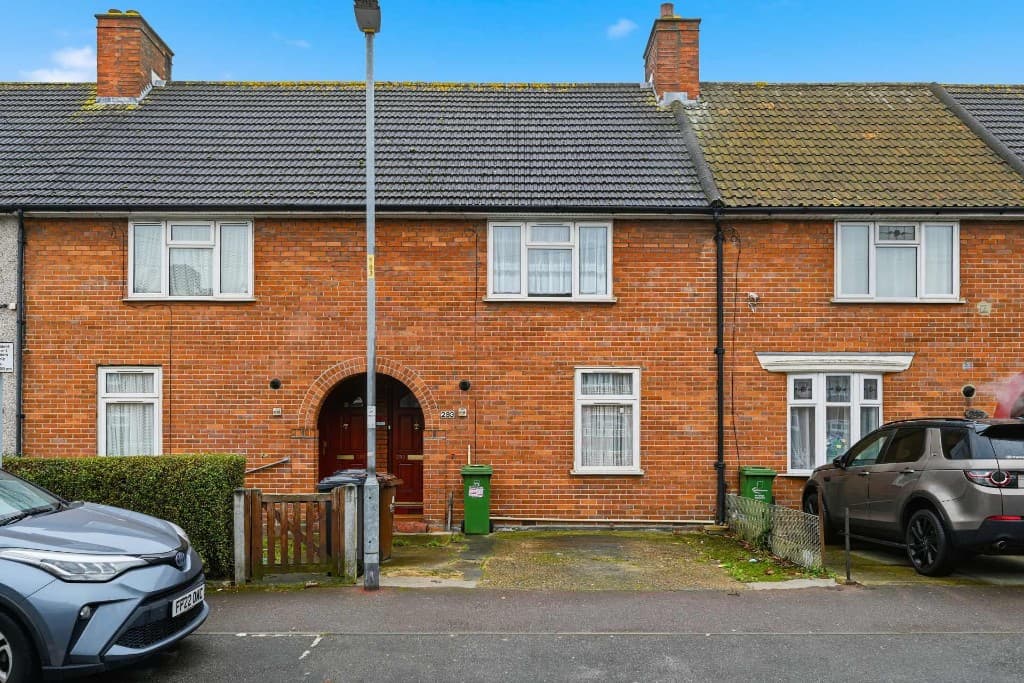 Original
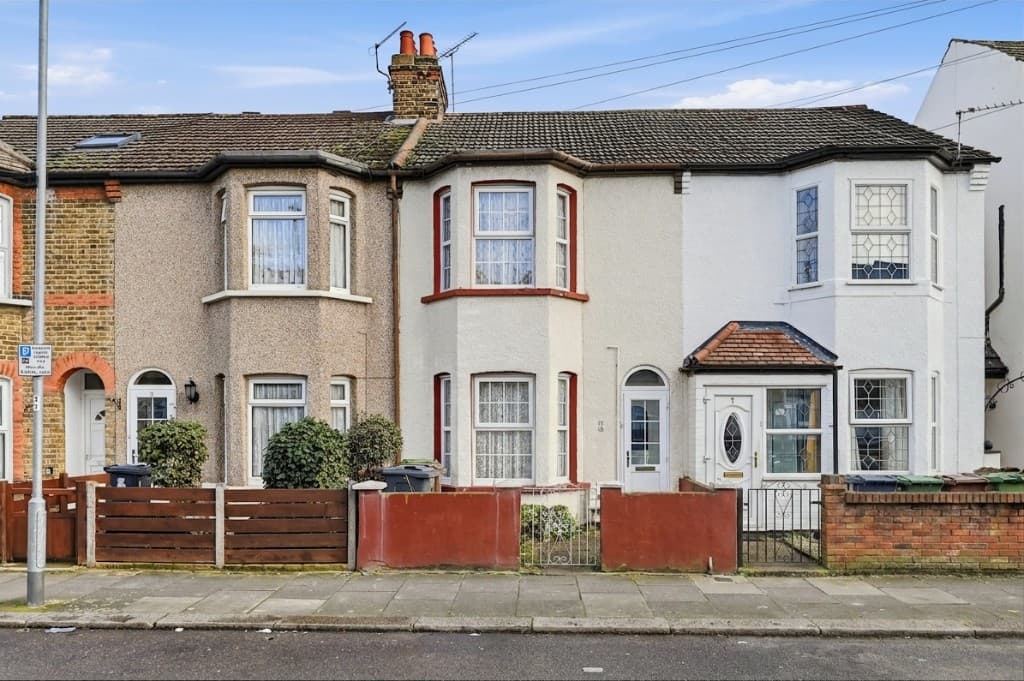 Edited
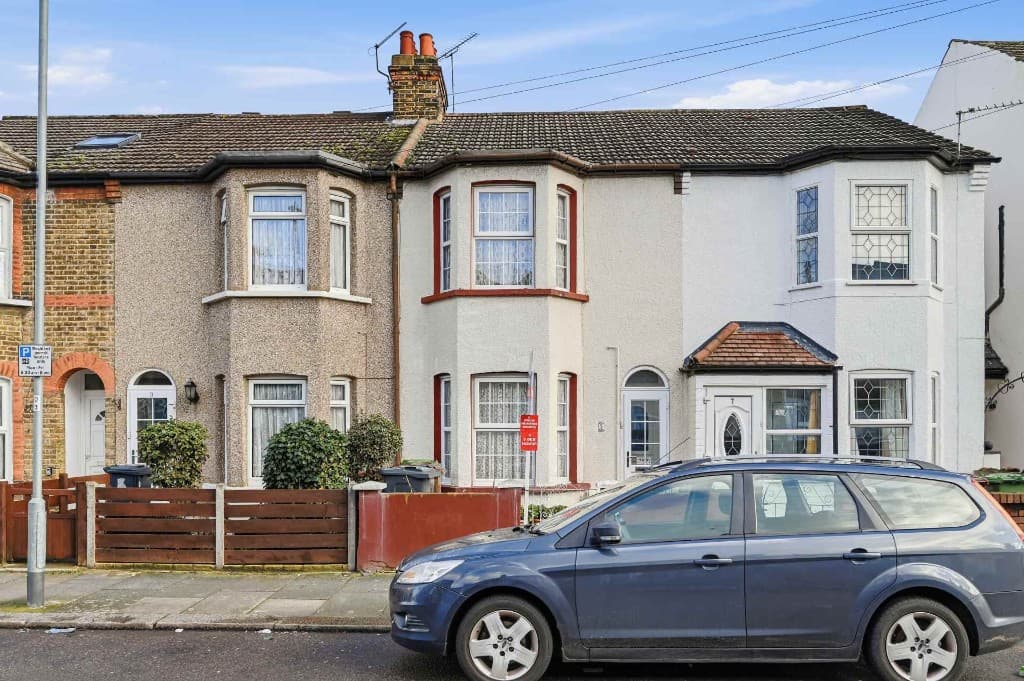 Original
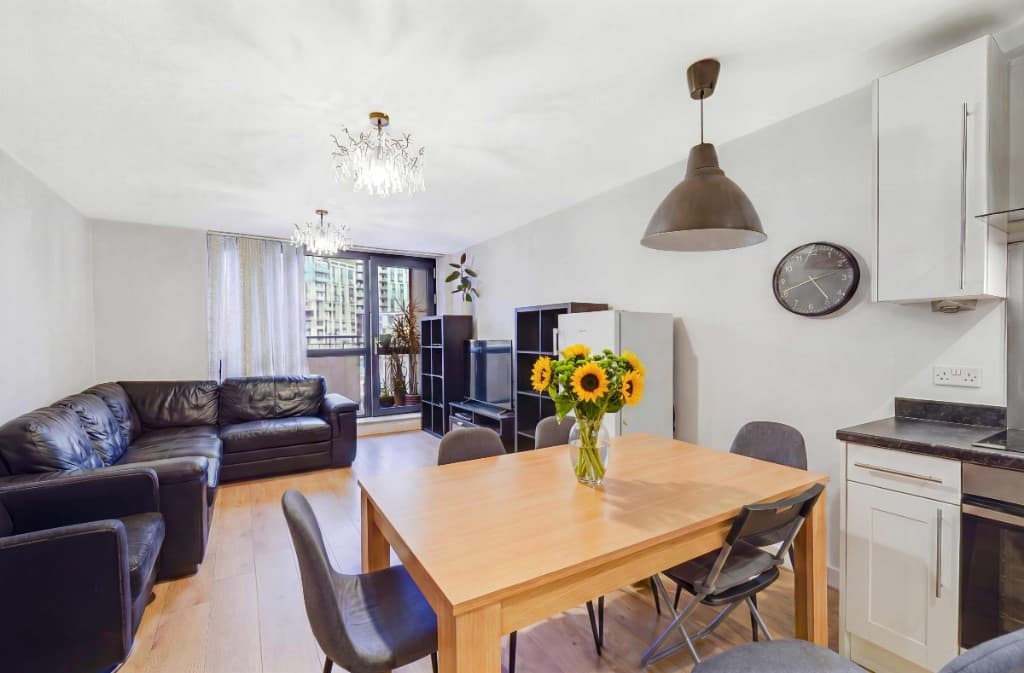 Edited
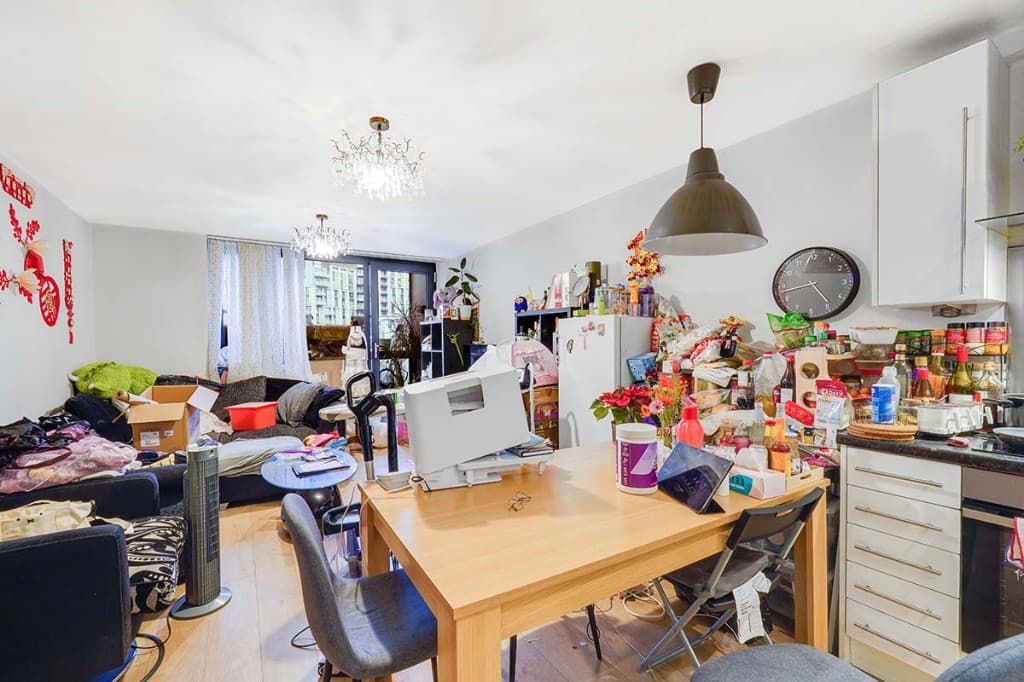 Original
Common situations where removing people from photos saves a reshoot:
Exterior shots often mix people with cars, bins and signs. PhotoClear can clear them in one pass so the whole frontage looks tidy. For tourist-heavy street scenes, see our dedicated remove tourists page.
Compare
Why most agents and photographers use AI for everyday cleanup.
| Factor | Manual / Photoshop | PhotoClear AI |
|---|---|---|
| Who does the work | A retoucher or in-house editor | You run it in the browser |
| Cost per photo | Typically billed per image | 1 credit per declutter |
| Skill needed | Photoshop expertise | Upload, preset or brush, then review |
| Turnaround | Often hours or a day | You start as soon as you upload |
| Review | Depends on the editor | You check the image before publishing |
| Best for | Complex, one-off hero edits | Everyday clutter, cars and bins |
FAQ
Answers to the questions people ask most about this PhotoClear tool.
Summary
PhotoClear removes people from photos in seconds — occupants, pedestrians, pets and reflections — and rebuilds a clean background for private, portal-ready listing images.
Explore further
Upload a photo and clear people or reflections with AI. Start free.
10 free credits on sign-up · No card required