Can it remove a whole crowd?
Yes. Mark groups of tourists or pedestrians and PhotoClear clears them, reconstructing the street behind.

Remove tourists
Clear tourists, crowds and passers-by from exterior property photos in seconds. PhotoClear removes people and rebuilds pavement, road or frontage so the building stays the focus.
10 free credits on sign-up · No card required

Quick answer
Upload a street or exterior photo to PhotoClear, brush over tourists and passers-by, and the AI removes them and rebuilds the pavement, road or frontage in seconds. Ideal for city listings, tourist streets and busy elevations where people clutter the shot.
Key takeaways
Yes. Mark groups of tourists or pedestrians and PhotoClear clears them, reconstructing the street behind.
Yes. Busy high-street and tourist-area exteriors are a common use case — shoot when light is good, remove people afterwards.
Same tool, different scene. Indoors you clear occupants and reflections; outdoors you clear tourists and street traffic. PhotoClear handles both.
Tourist streets and busy pavements make exterior photography hard. Waiting for an empty road wastes time; publishing a crowded elevation distracts buyers from the property.
PhotoClear lets you photograph in good light and remove tourists afterwards. Brush over individuals or groups and the AI rebuilds a clean street scene.
Use it for city apartments, harbourside homes, landmark streets and any listing where foot traffic is constant.
Why it works
No dawn-only schedules waiting for empty pavements.
Buyers see the building, not the crowd in front of it.
Avoid publishing identifiable strangers in marketing.
Pavement and road rebuild to match the scene.
How it works
From cluttered photo to a reviewed, downloadable image in four steps.
Add a JPEG, PNG or WebP listing photo — interior or exterior — from your computer or phone.
Use a one-click preset for clutter, cars or bins, or brush over a specific item you want removed.
Check the result before you publish. Confirm it still represents the property accurately.
Save a high-resolution image with no watermark, then use it in your listing workflow.
See the difference
Drag the slider to see people and street clutter cleared.
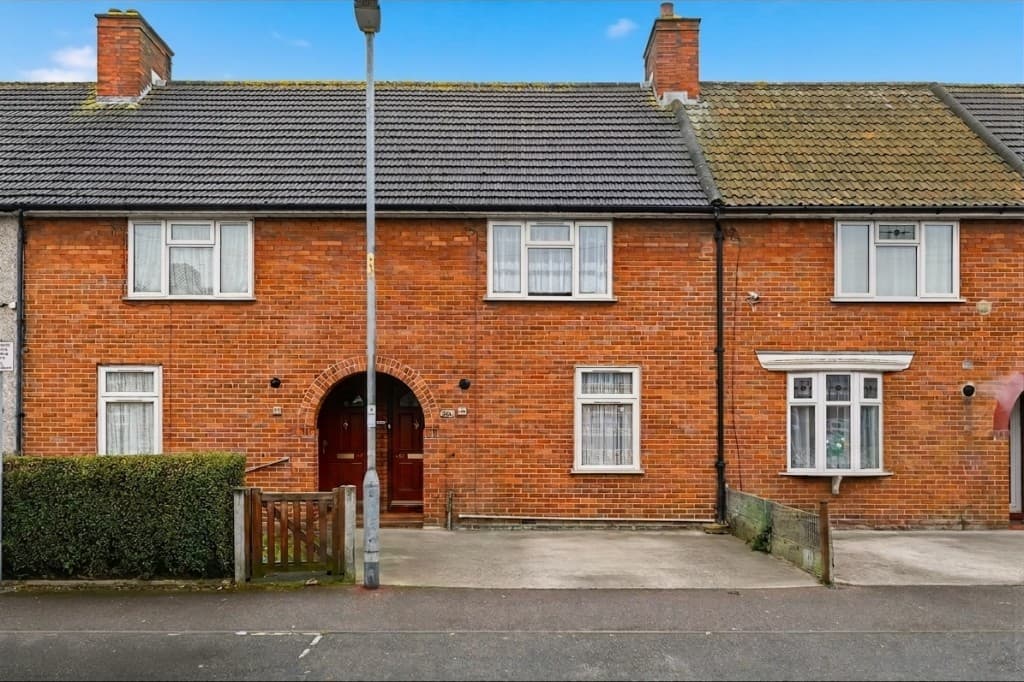 Edited
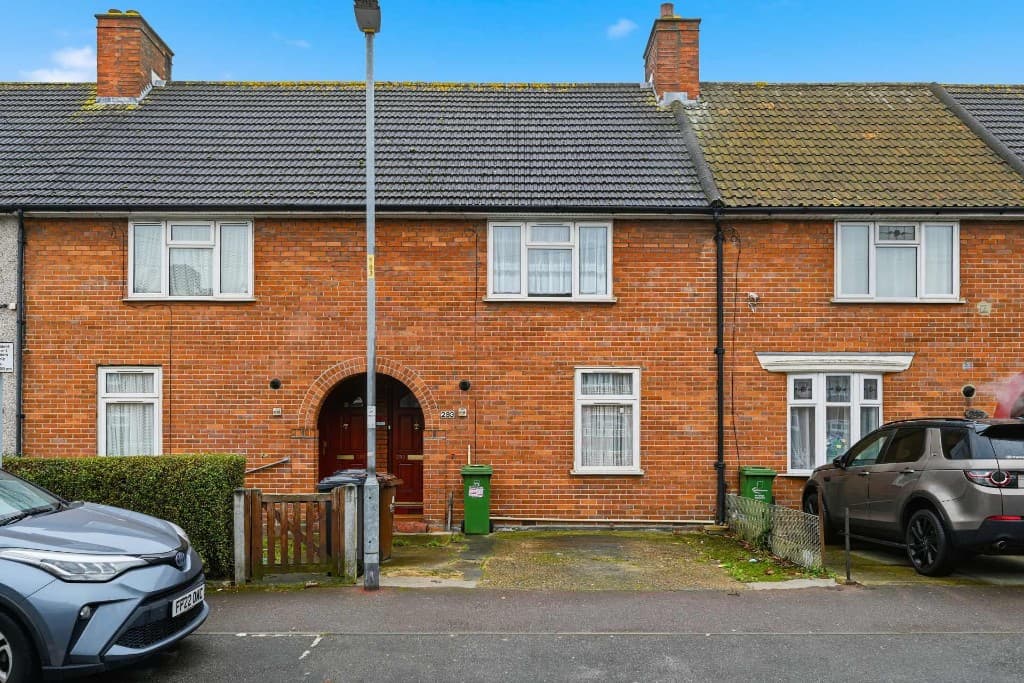 Original
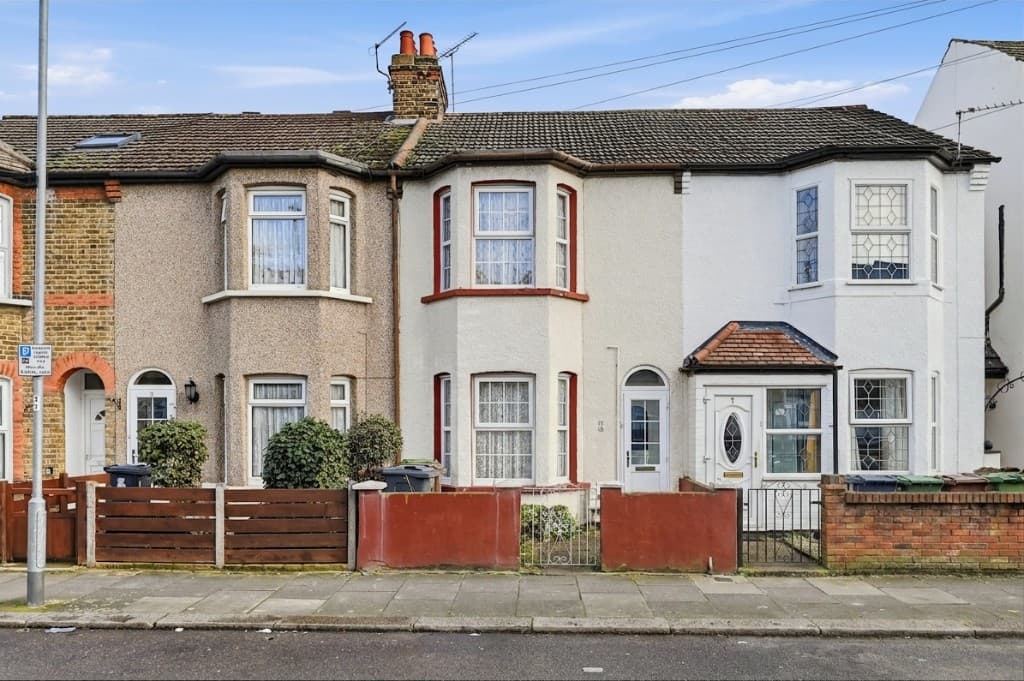 Edited
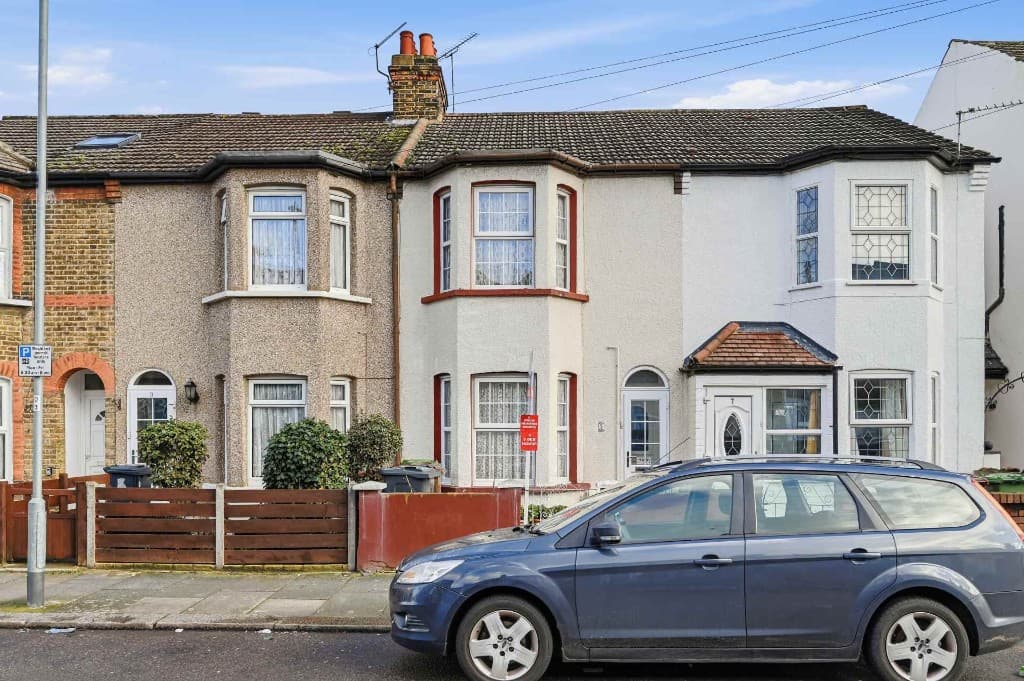 Original
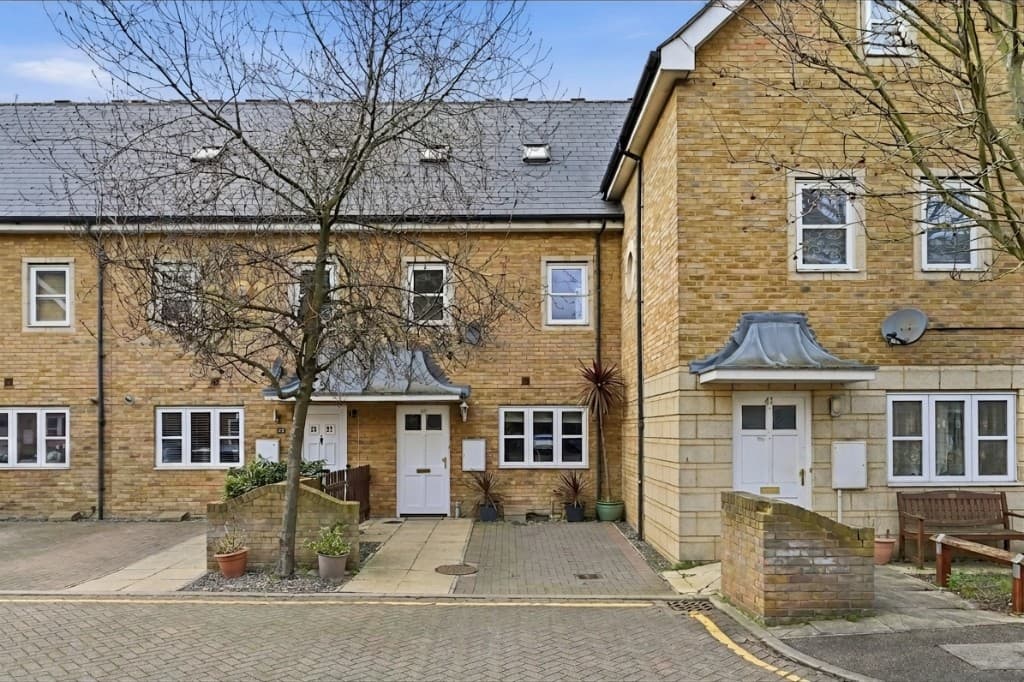 Edited
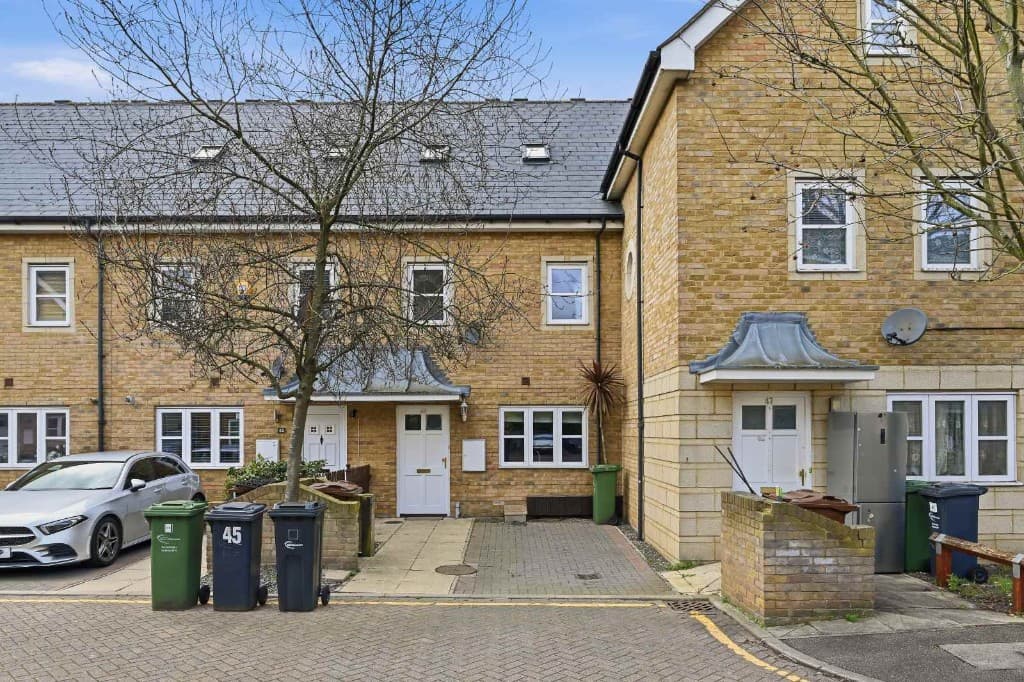 Original
Busy exteriors often need more than people removal. Clear tourists together with cars, bins and signs for a finished street elevation.
Typical scenarios:
Compare
Why most agents and photographers use AI for everyday cleanup.
| Factor | Manual / Photoshop | PhotoClear AI |
|---|---|---|
| Who does the work | A retoucher or in-house editor | You run it in the browser |
| Cost per photo | Typically billed per image | 1 credit per declutter |
| Skill needed | Photoshop expertise | Upload, preset or brush, then review |
| Turnaround | Often hours or a day | You start as soon as you upload |
| Review | Depends on the editor | You check the image before publishing |
| Best for | Complex, one-off hero edits | Everyday clutter, cars and bins |
FAQ
Answers to the questions people ask most about this PhotoClear tool.
Summary
PhotoClear removes tourists from photos in seconds — clearing crowds and passers-by from busy exteriors so property elevations stay clean and portal-ready.
Explore further
Upload a street exterior and clear the crowd with AI. Start free.
10 free credits on sign-up · No card required